
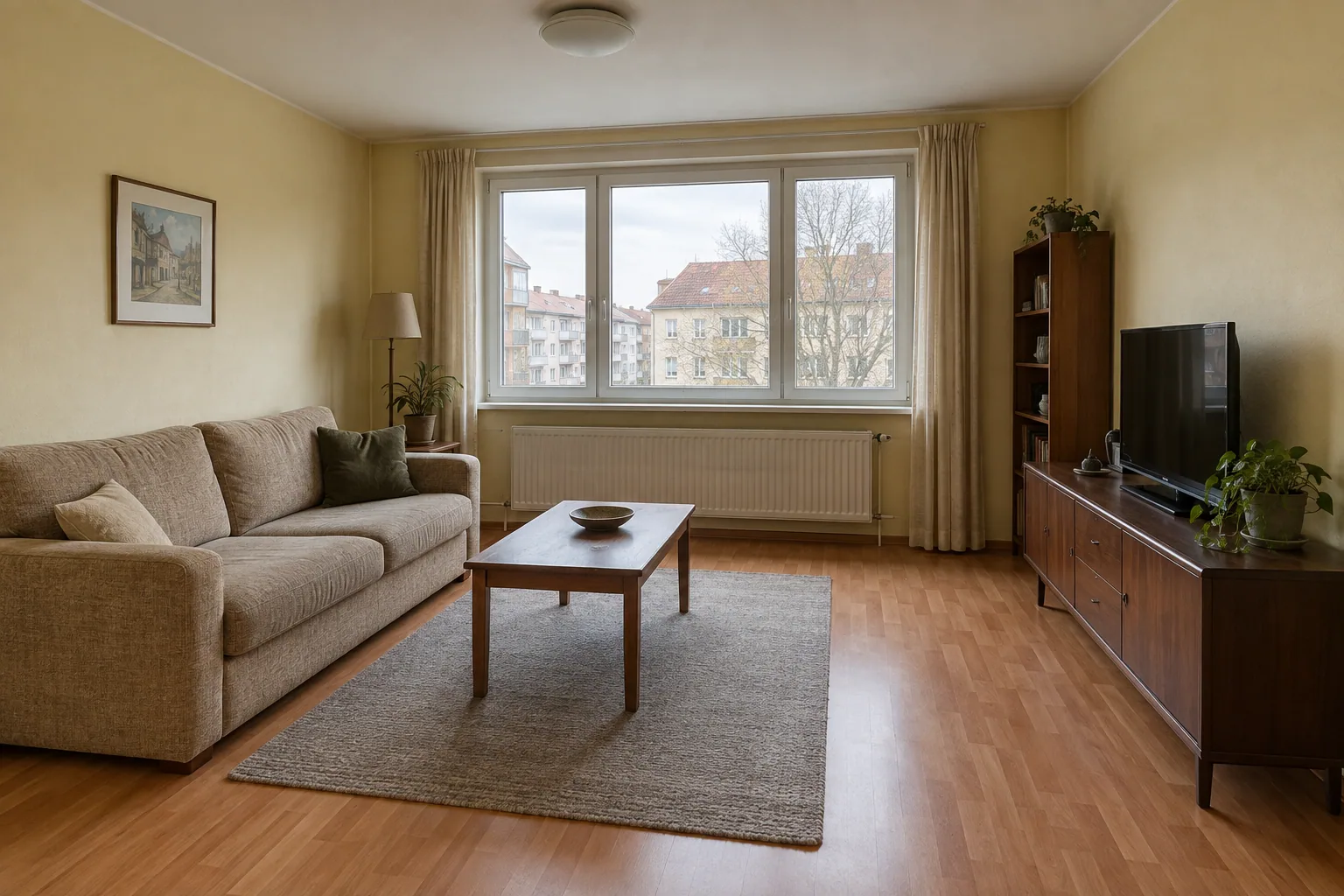
 01
01Add your starting image
A room photo, an interior sketch or an exported project view.
Loading Vizterior…
Your space. Your next idea.
Start with a room photo, an interior sketch or a project view. Describe what you have in mind, then refine the materials, colors and details in the same conversation.
5 free renders · No credit card required
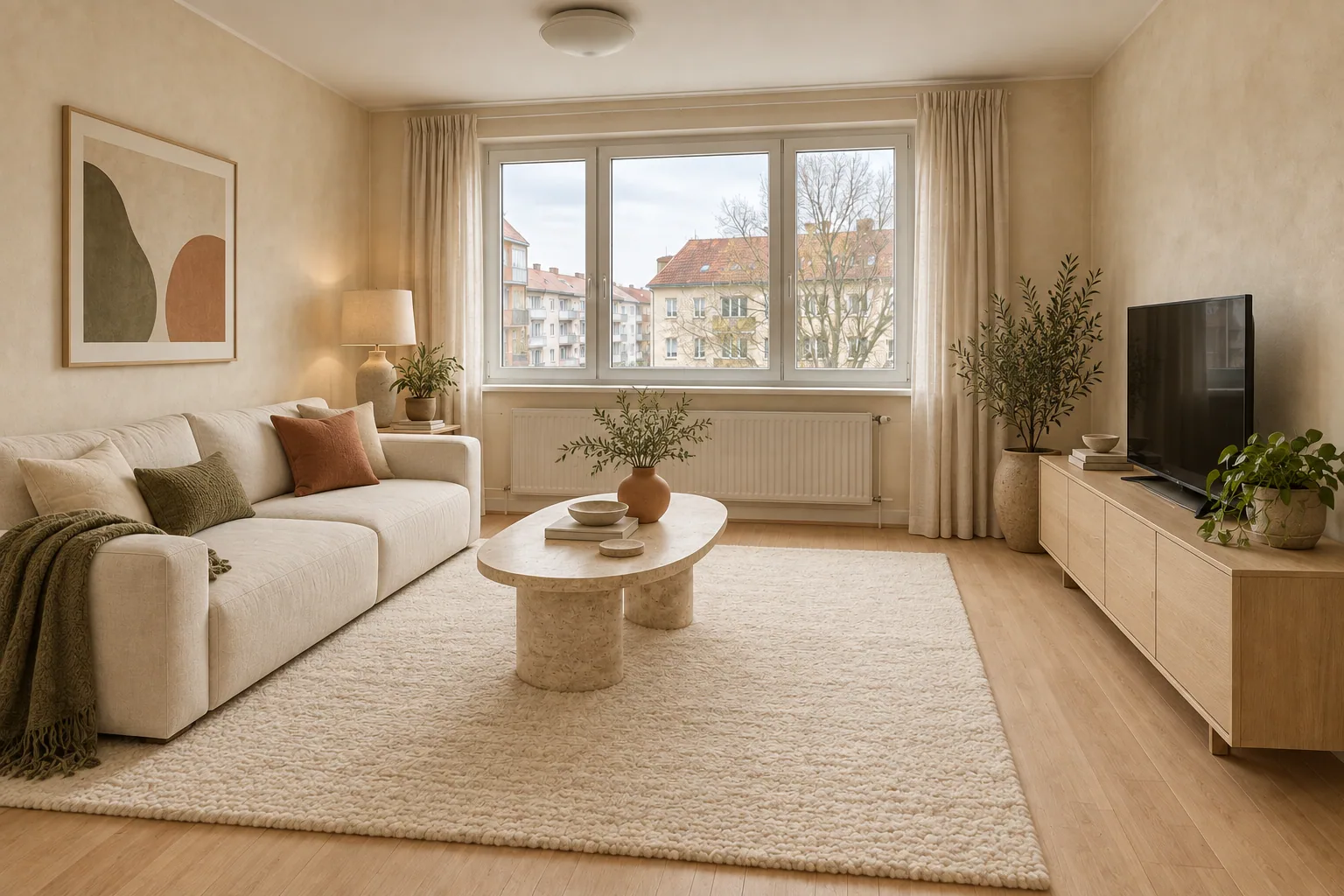
Natural oak, cream linen and a warmer feel.
Start with what you already have
A room you want to change or a concept you want to develop. Bring your starting point, and explore what comes next.
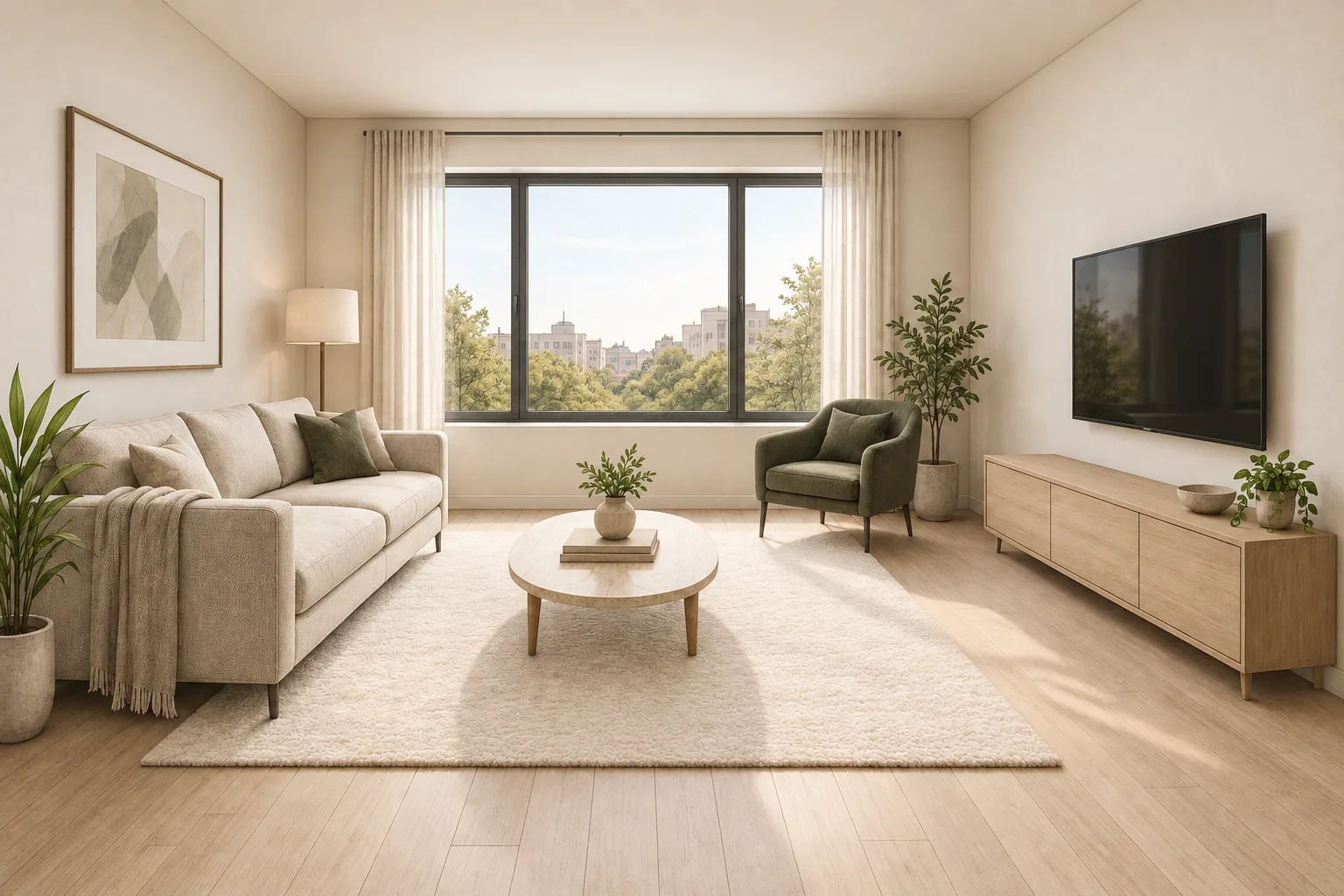
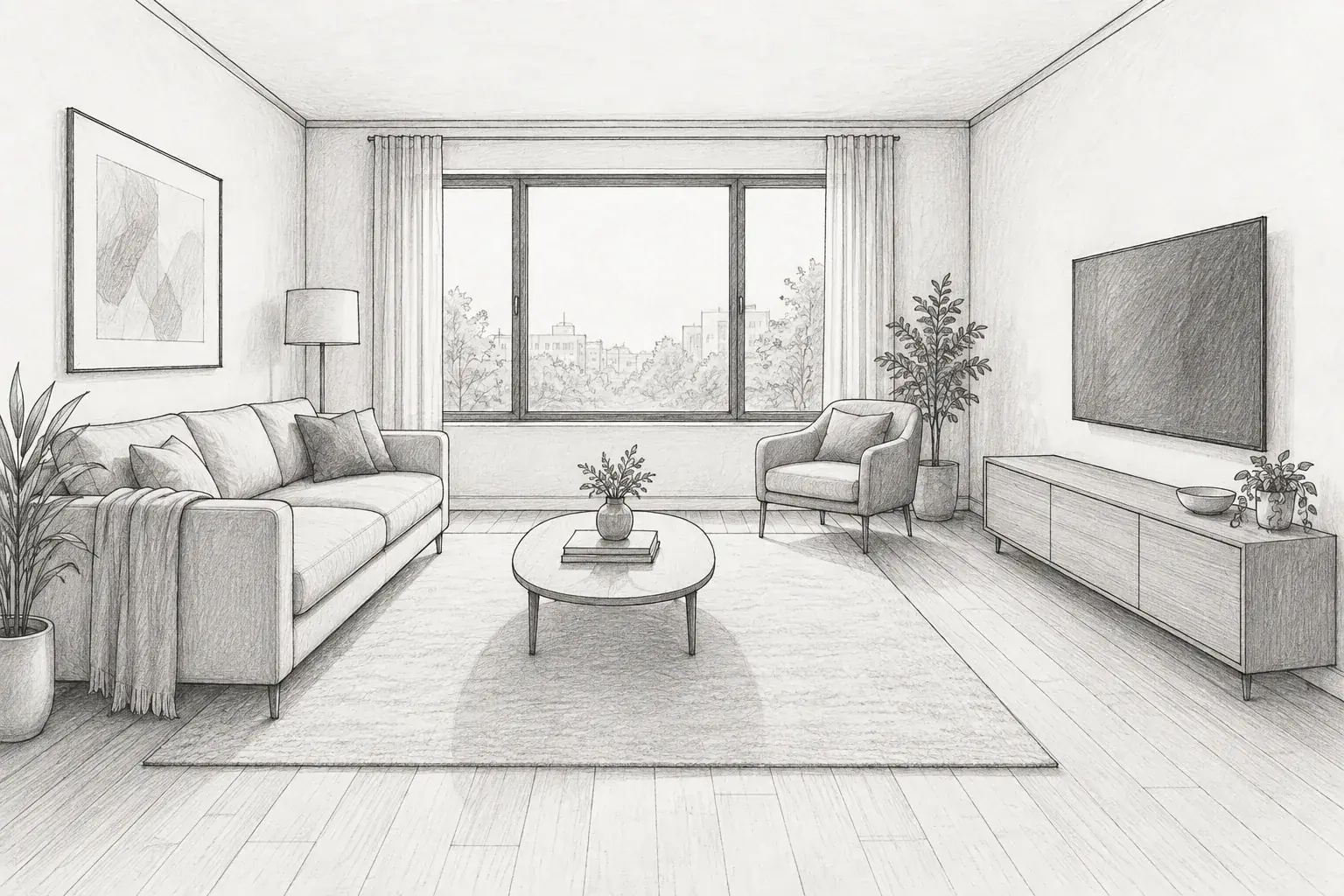
Interior sketch
Bring materials and light to an interior sketch, with your drawing as the starting point.
“Bring this sketch to life with oak, linen and soft daylight.”
Visualize your sketchSimple from the first idea
Add an image. Say what you want. Keep the conversation going.
01A room photo, an interior sketch or an exported project view.
02Describe the style, materials or changes you want. Everyday language is enough.
 03
03Choose a result and ask for the next change in the same project.
Made for the next version
Try a different material. Change a color. See how a small request can take the same room in a new direction.
Inside a real project
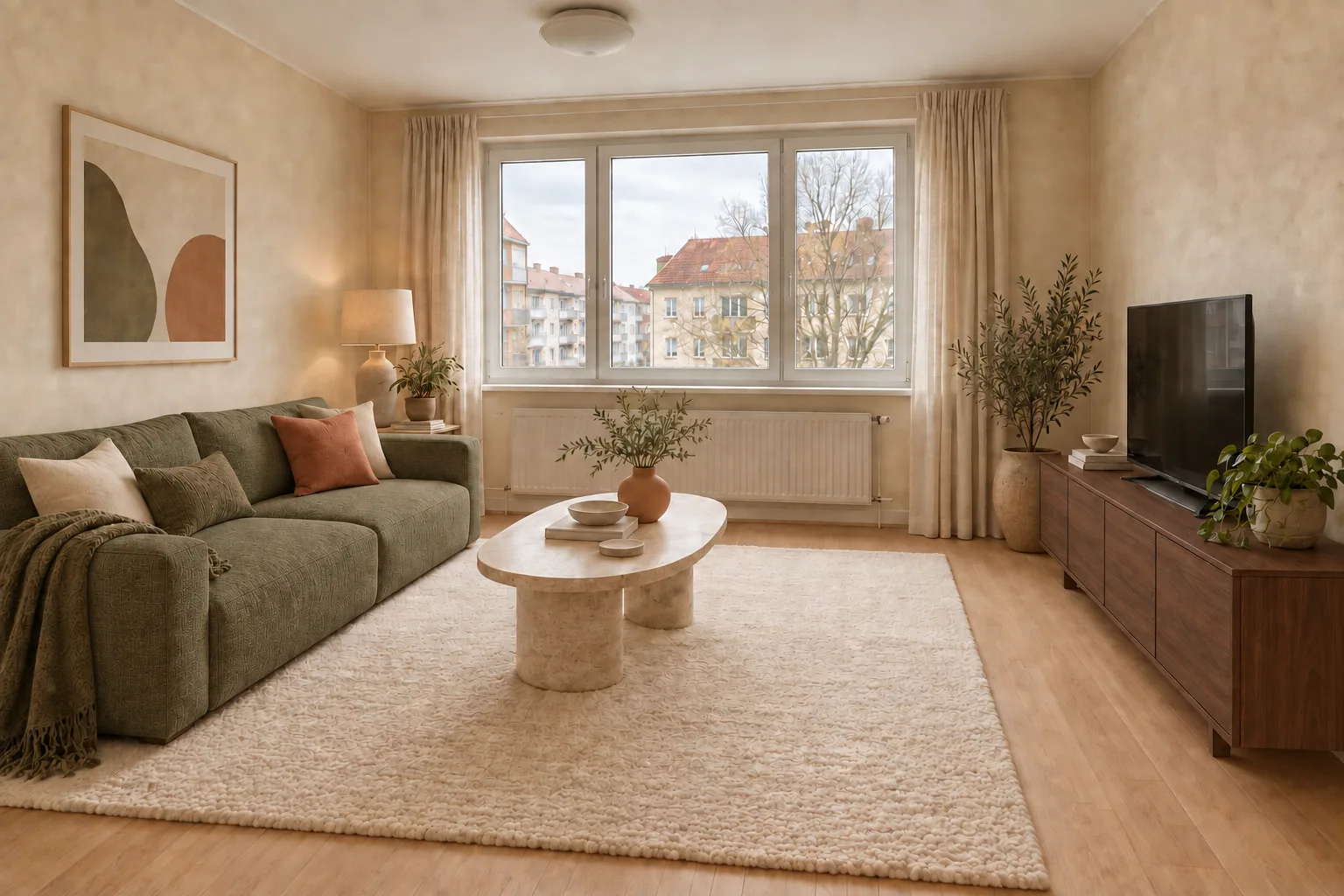
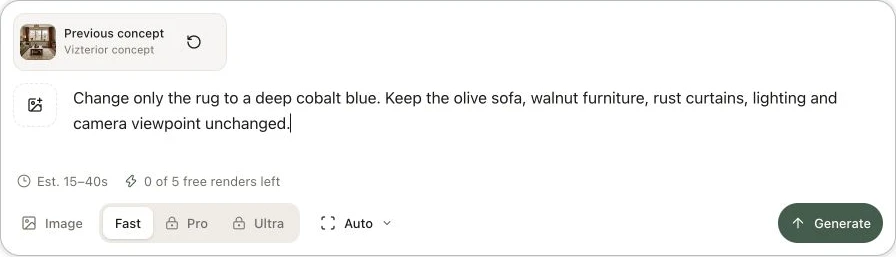
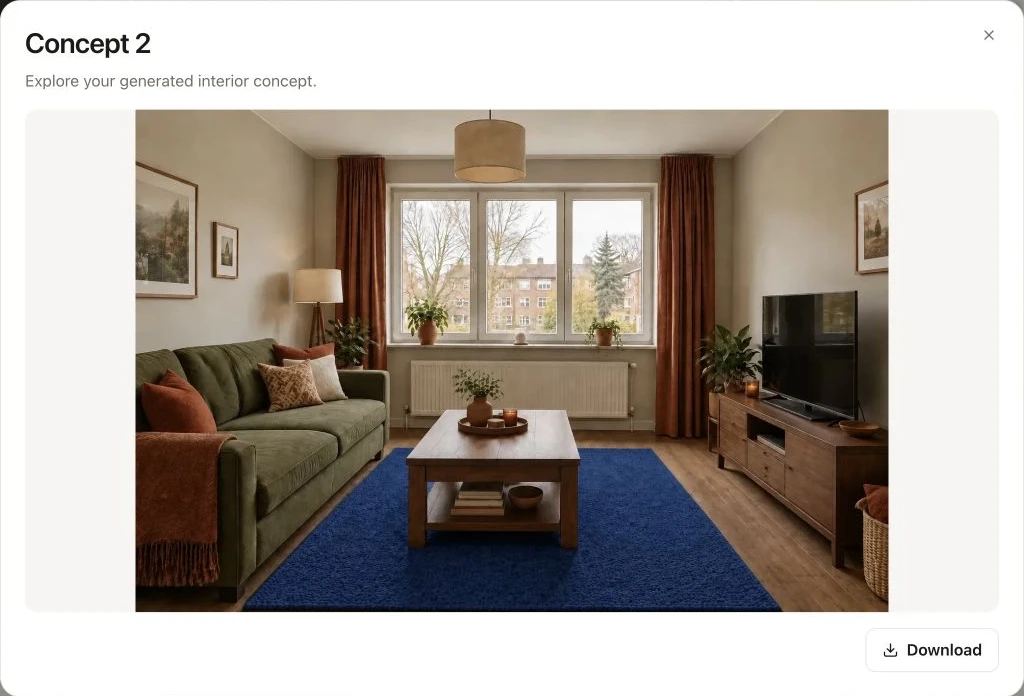
This living room began with an olive sofa, walnut furniture and an ivory rug. We selected that concept and asked Vizterior to change just the rug to cobalt blue.
The instruction and both versions stay in the project, ready to review, download or develop further.
A direction for every room
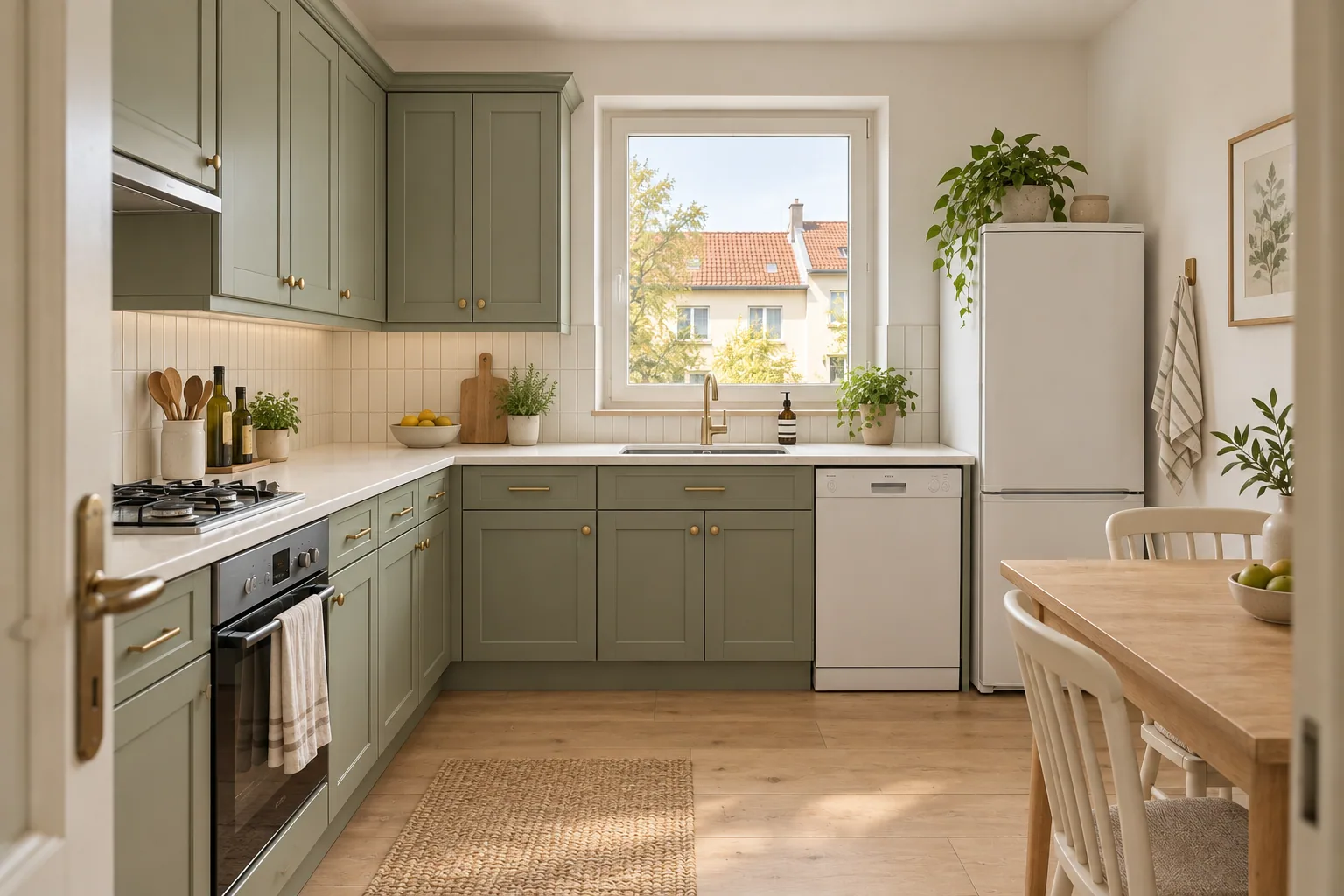
From a fresh kitchen palette to a room waiting to be furnished. Start with the space on your mind.
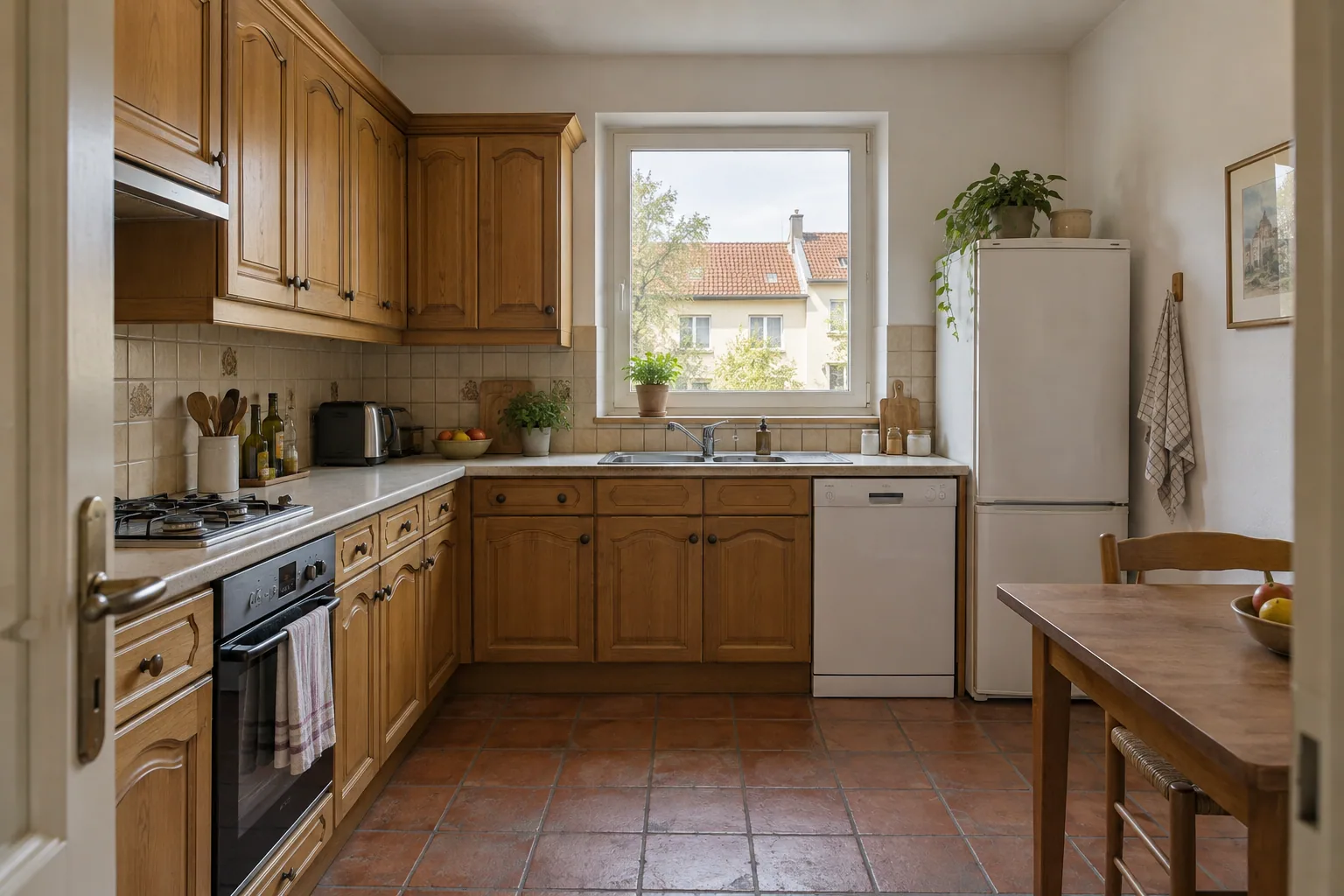
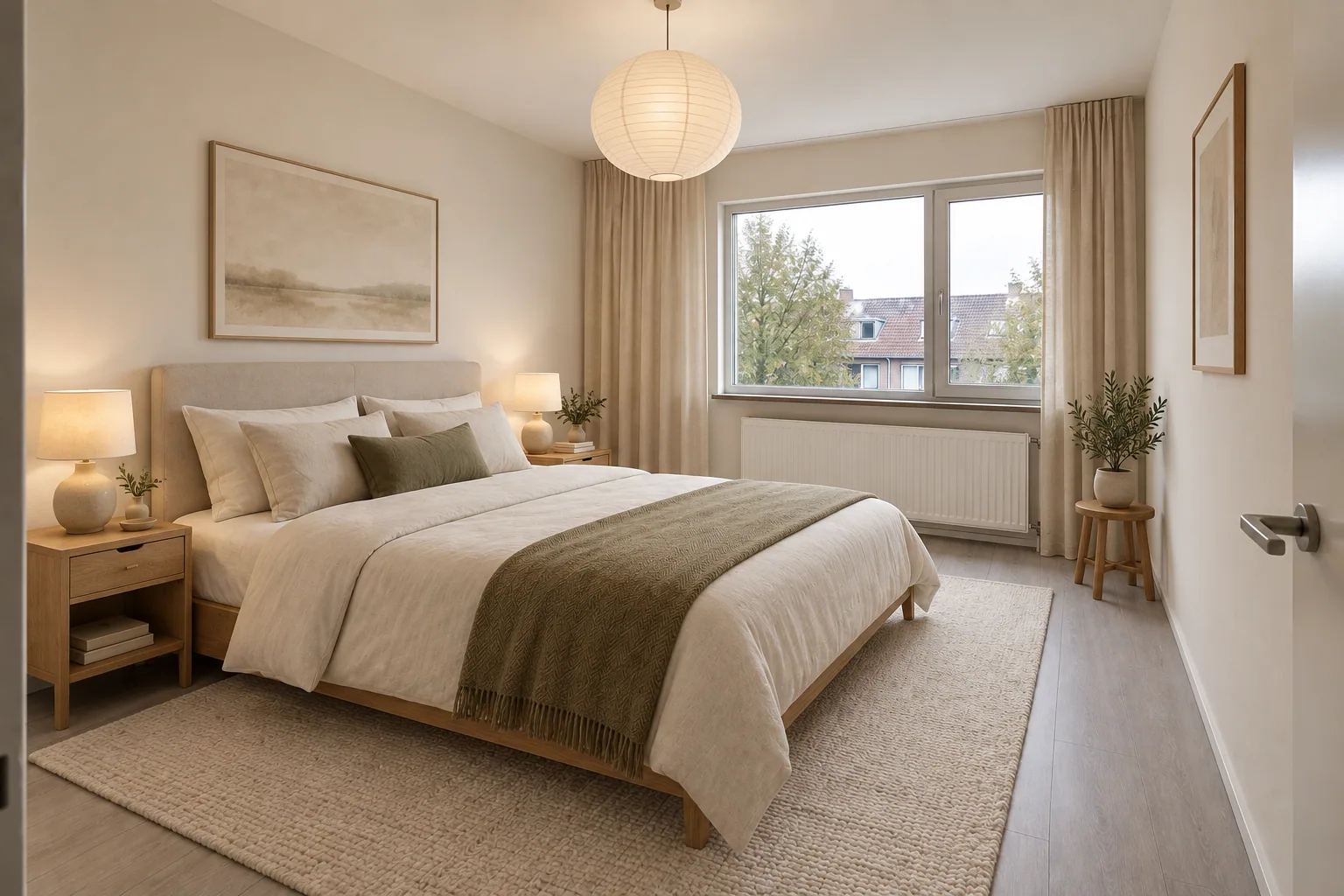
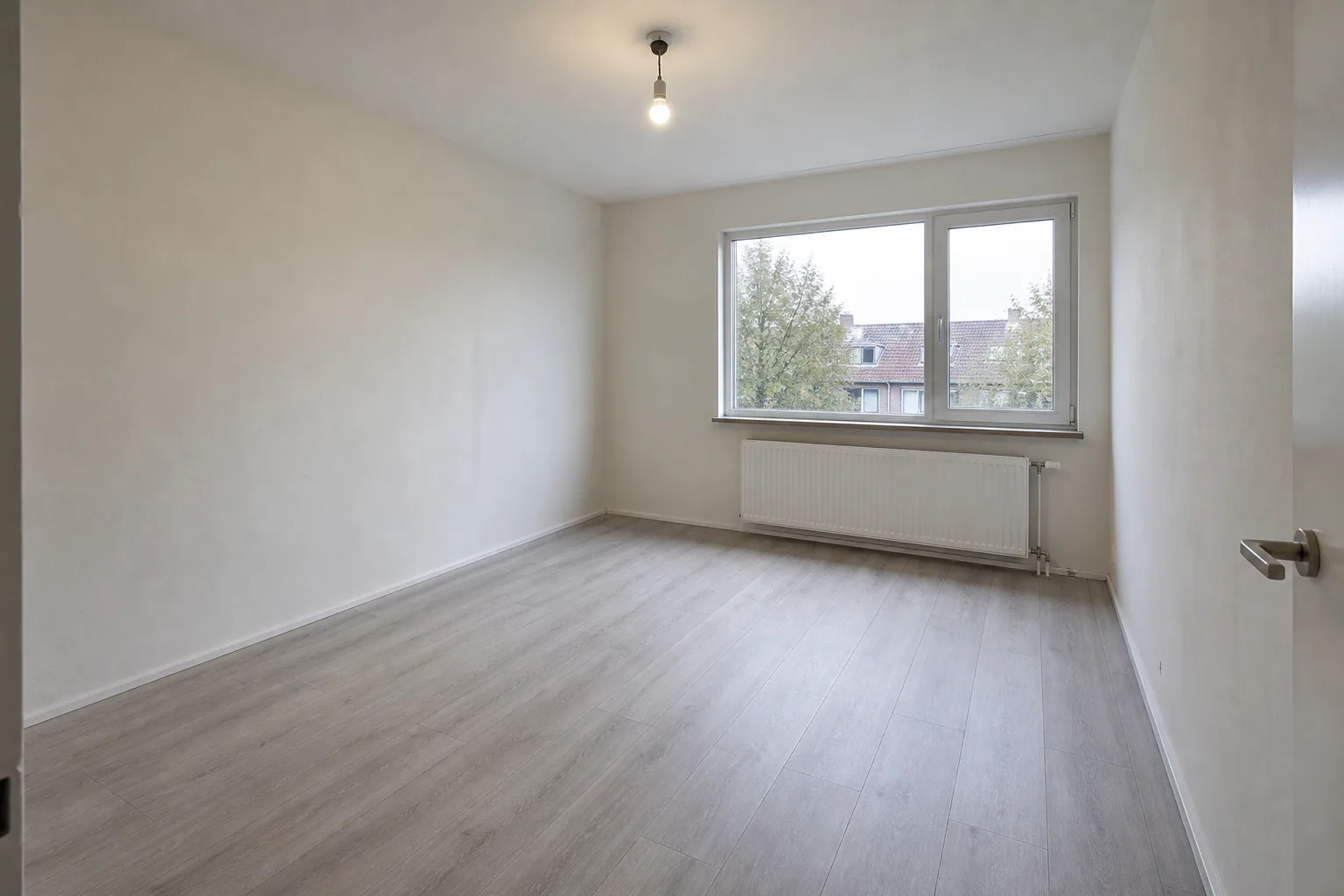
Explore before you decide
Compare a few directions before choosing a favorite. Then make it your own.
One room. Warm contemporary.We’ll keep this direction ready for your own image.
For your space. For your work.
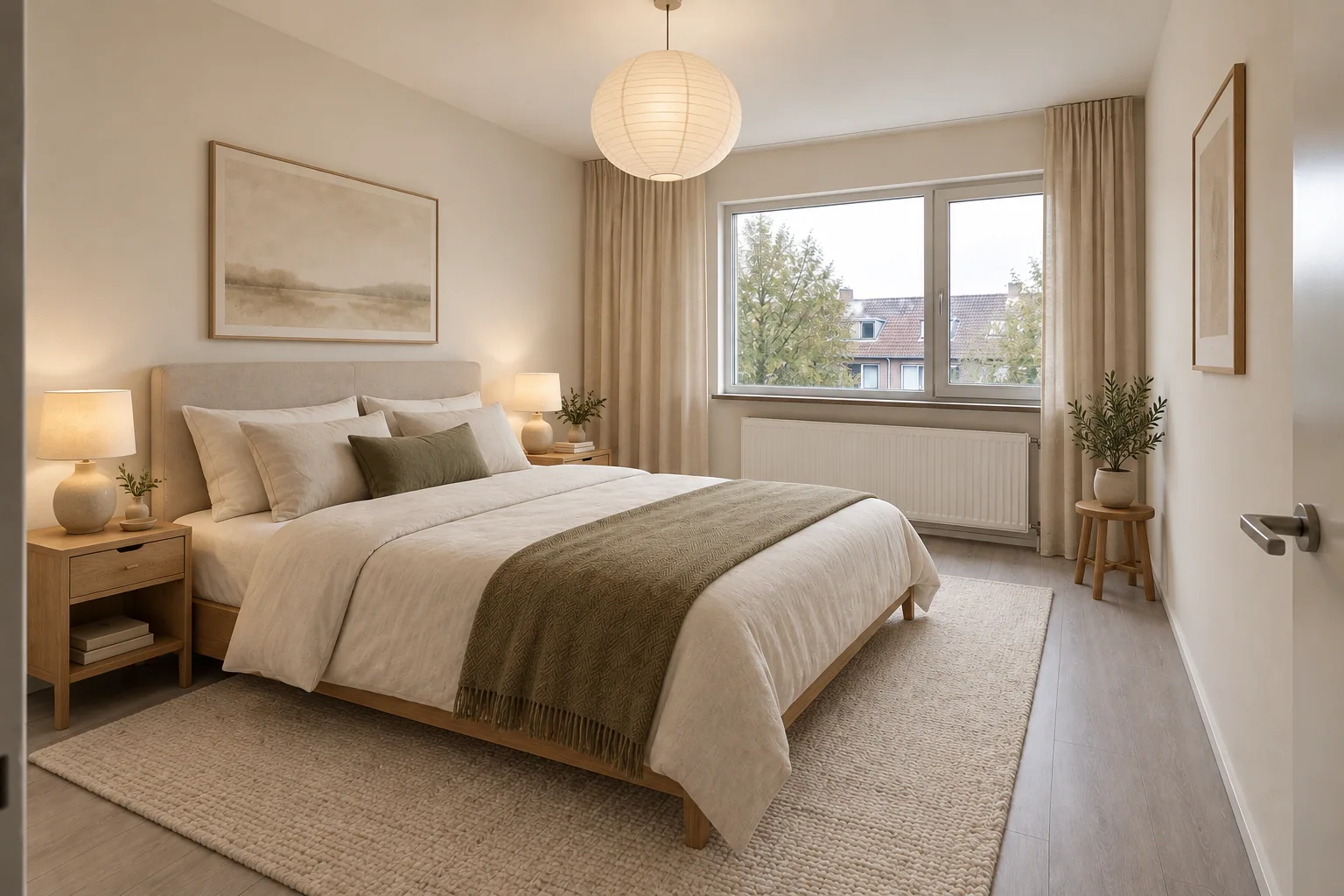
For your home
Compare colors, furniture and materials before your next design decision. Bring your favorite idea into the conversation with your designer or renovation team.
Explore my space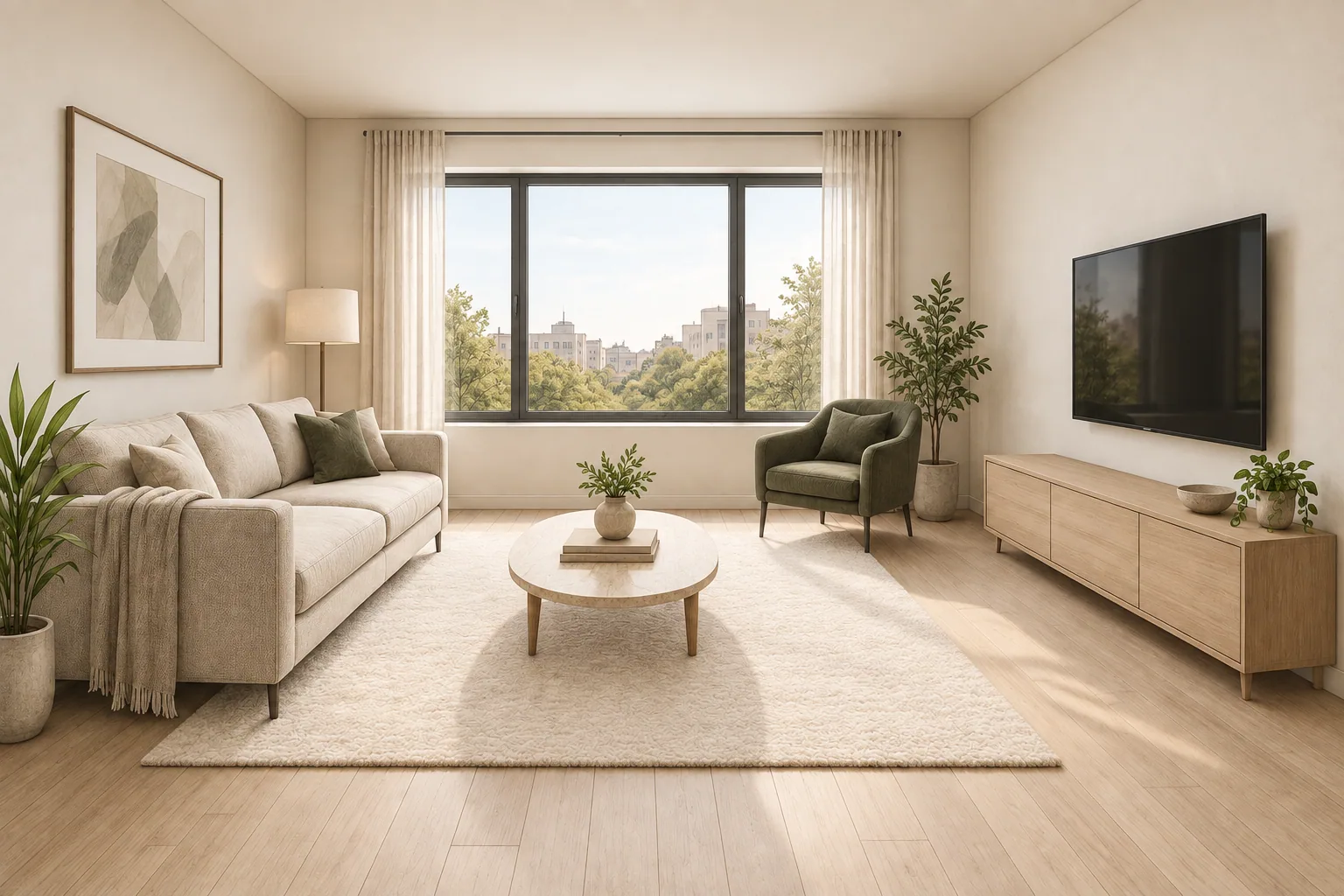
For architects & interior designers
Turn sketches and exported model views into visual options. Explore a material palette, discuss the atmosphere and develop the next version with your client.
Visualize my conceptKeep the ideas coming
Your free renders help you try Vizterior. A paid plan gives you room for more ideas, more revisions and more projects.
Find your planFirst idea
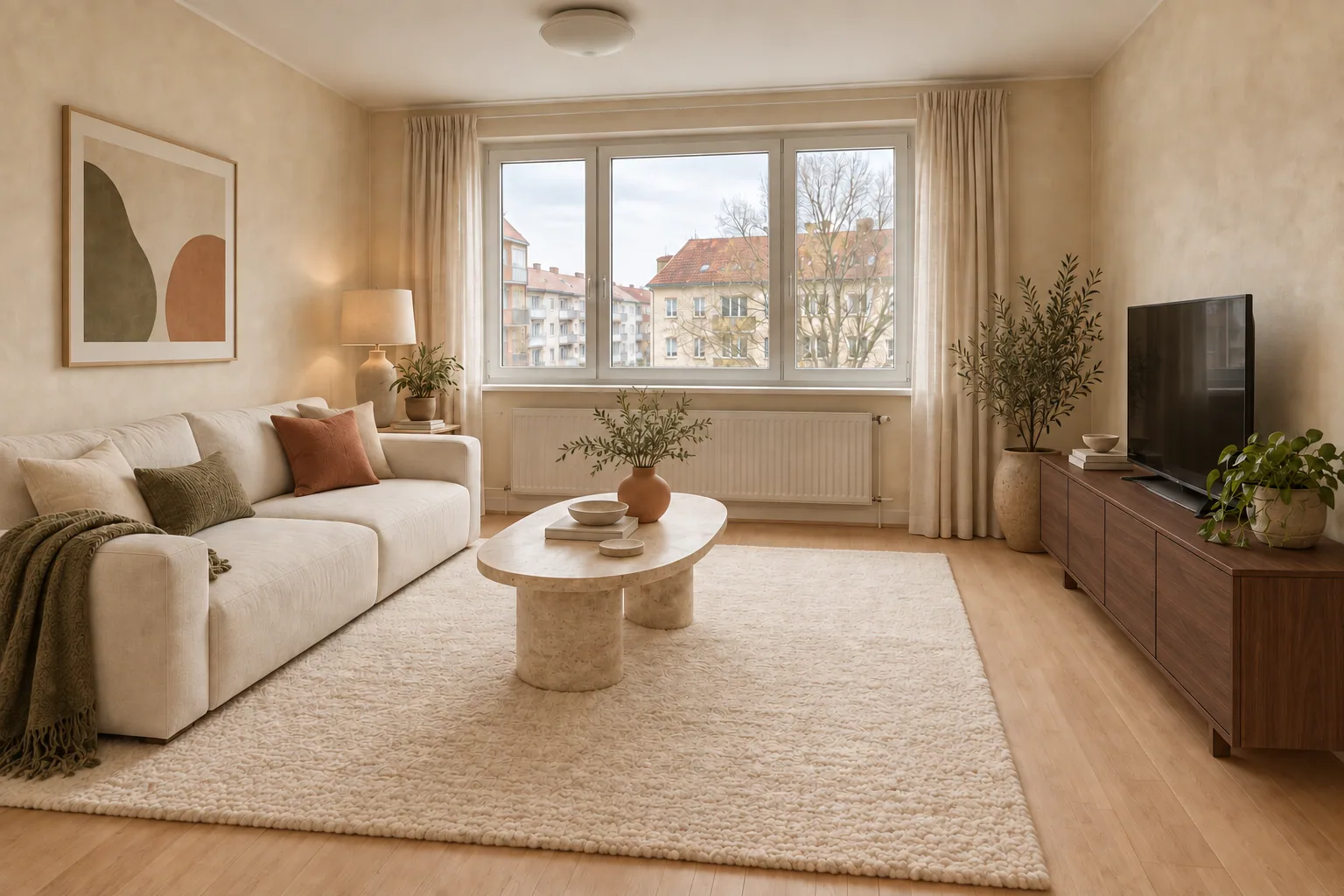
New material
Next version
Compare materials · Explore another room · Refine a concept
More room for your ideas
Start with 5 free renders. Choose a paid plan when you’re ready to keep creating.
For personal projects and fresh ideas.
90+ renders
9,000 credits · Refreshed monthly
Cancel anytime
For designers presenting new concepts every week.
240+ renders
24,000 credits · Refreshed monthly
Cancel anytime
For studios with a steady stream of projects.
600+ renders
60,000 credits · Refreshed monthly
Cancel anytime
Just exploring? 5 free renders, no credit card required
Monthly render estimates use Fast quality at 100 credits per image. Edits share the same credit balance. Actual output depends on the credit cost of each generation. Monthly credits do not roll over, including on annual plans. All prices in USD; the final total is shown in Checkout. Subscriptions renew automatically monthly or annually until canceled.
A few things to know
Everything you need to take the first step.
More questionsYou can start with an image and a plain-language description of what you want to change. Choose a result and refine it with another instruction. No rendering software experience is needed.
Yes. Your account starts with 5 free renders. Each successful generation or follow-up edit uses one render. Technical failures return the render to your allowance. The free allowance does not renew.
Yes. Start a sketch / model view project and upload an interior sketch or an image export from your design software. For SketchUp, use a screenshot or an exported JPG, PNG or WebP image. Native .skp files are not supported.
Yes. Choose the completed image you want to use as the starting point and describe your next change. Your images and conversation stay together in the project. Each new edit uses your render allowance or credits.
AI may alter details or proportions. Use the images to explore concepts and communicate a direction. Verify dimensions, materials and feasibility before buying or building.
More renders for additional ideas, revisions and projects. All plans let you download completed images at their generated resolution, without a watermark. See each plan for its current allowance.
Your projects and images are private to your account, with no public gallery. Uploaded images and instructions are processed by our AI provider to create your results.
Choose monthly or annual billing. The plan selector shows the price, billing period and included allowance before checkout. Credits refresh monthly and do not roll over, including on annual plans. Manage or cancel your subscription in Settings → Billing.