
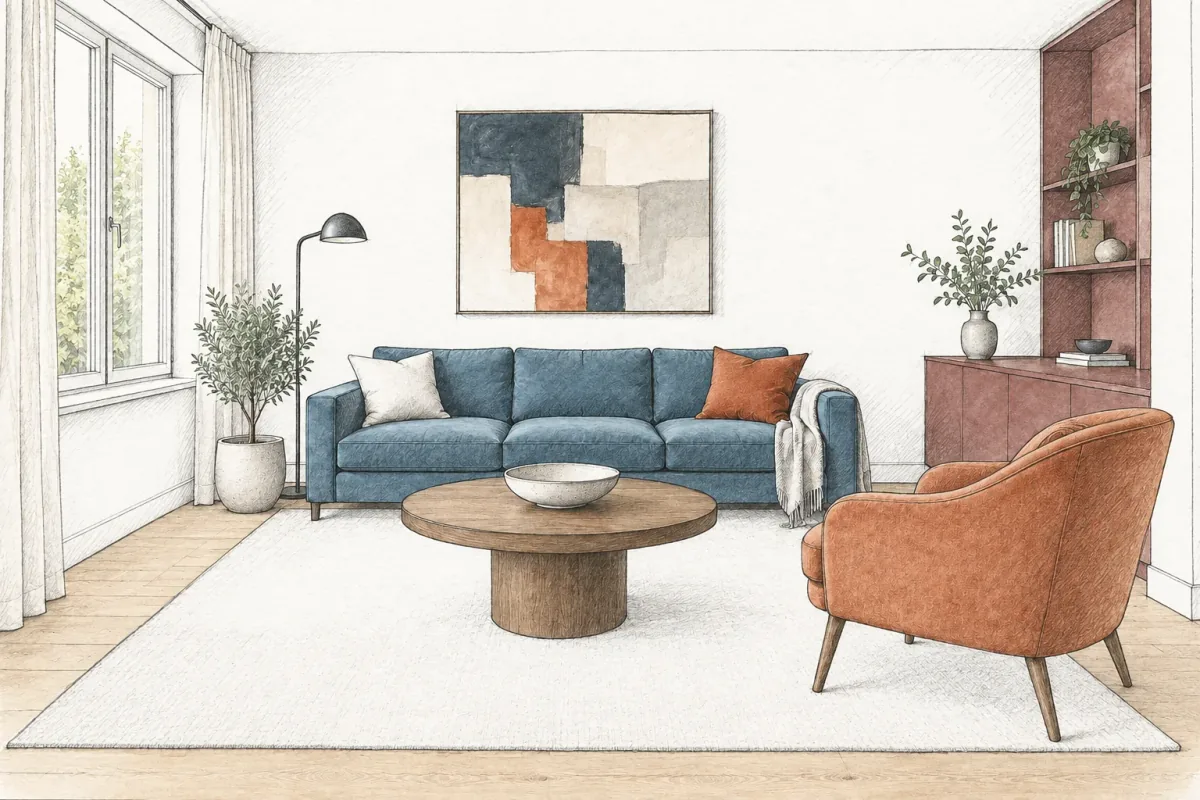
Interior Rendering Styles: Choose the Right View
Compare sketch, clay and photoreal interior rendering styles in one room. See what each view explains, with prompts and a practical review checklist.
- Rendering guides
Loading Vizterior…
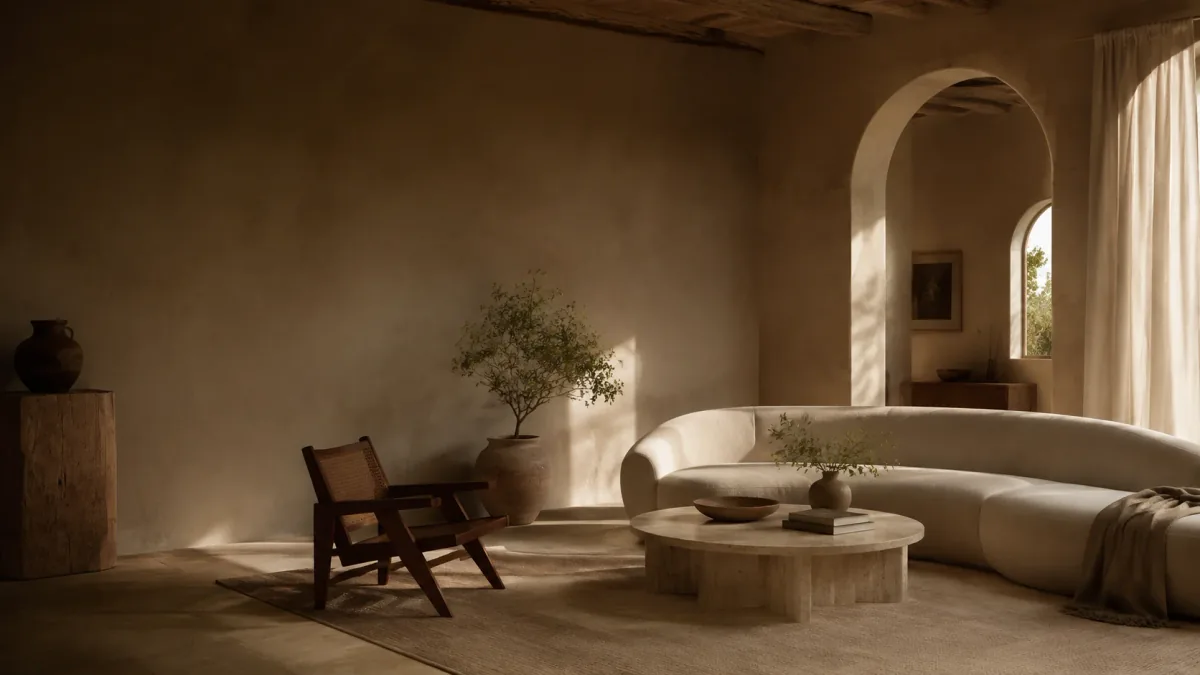
The Vizterior journal
Fresh perspectives, thoughtful spaces, and ideas to make yourself at home.
Ideas worth making room for
Interior inspiration & design notes
Compare sketch, clay and photoreal interior rendering styles in one room. See what each view explains, with prompts and a practical review checklist.
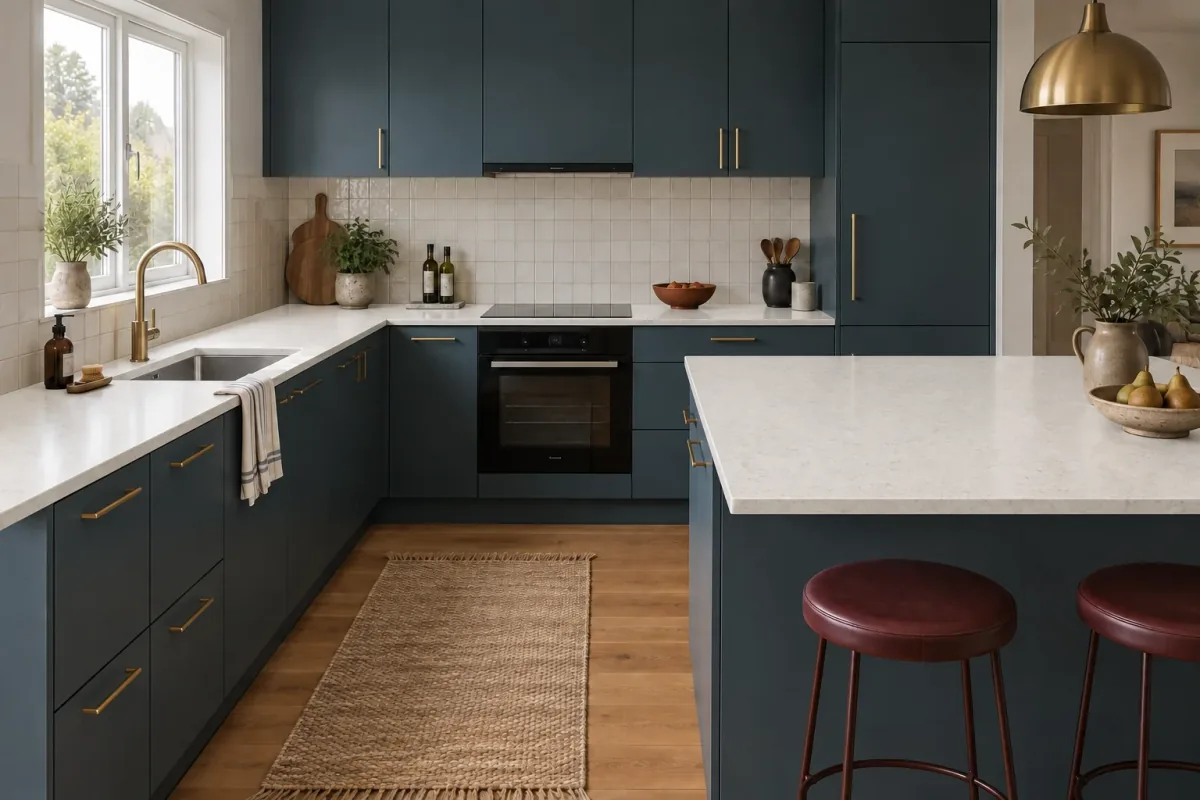
Use a countertop visualizer to compare light and dark finishes in your kitchen photo. Keep cabinets fixed, review the results and plan your samples.
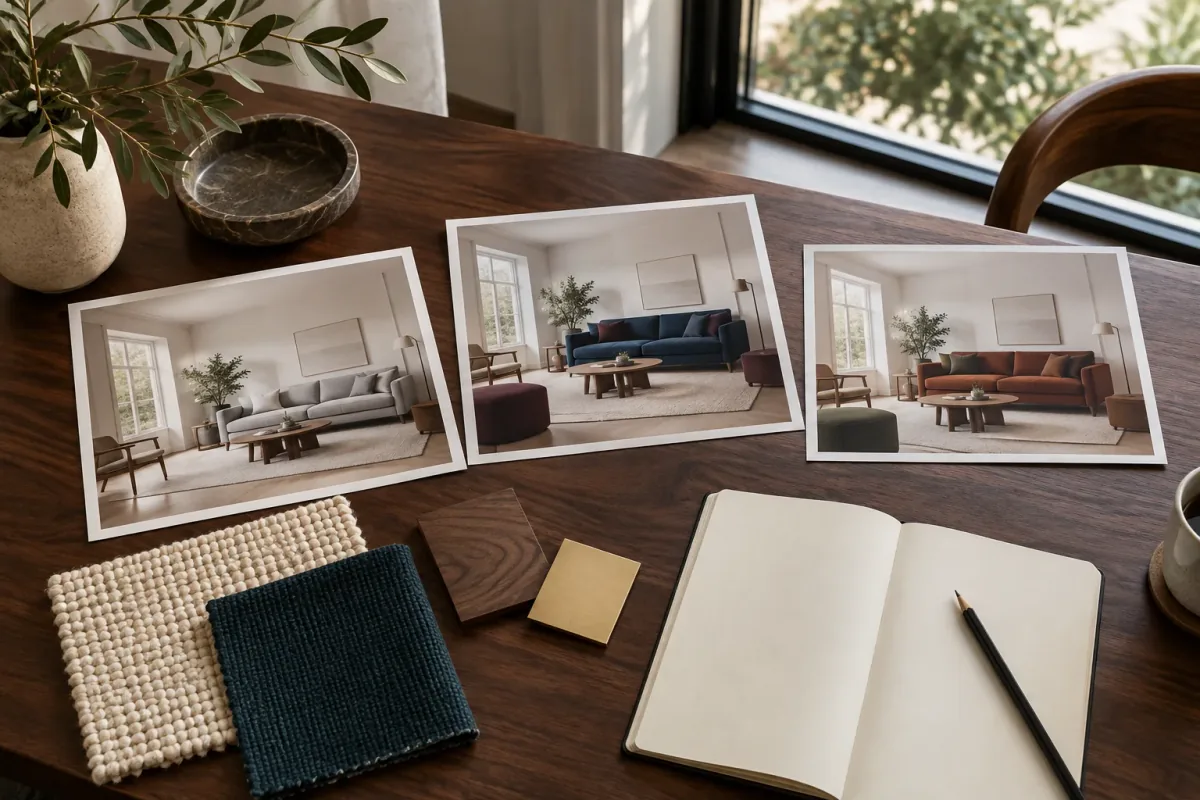
Build an interior design client presentation around clear decisions, comparable images and useful feedback. Use the outline and decision log.
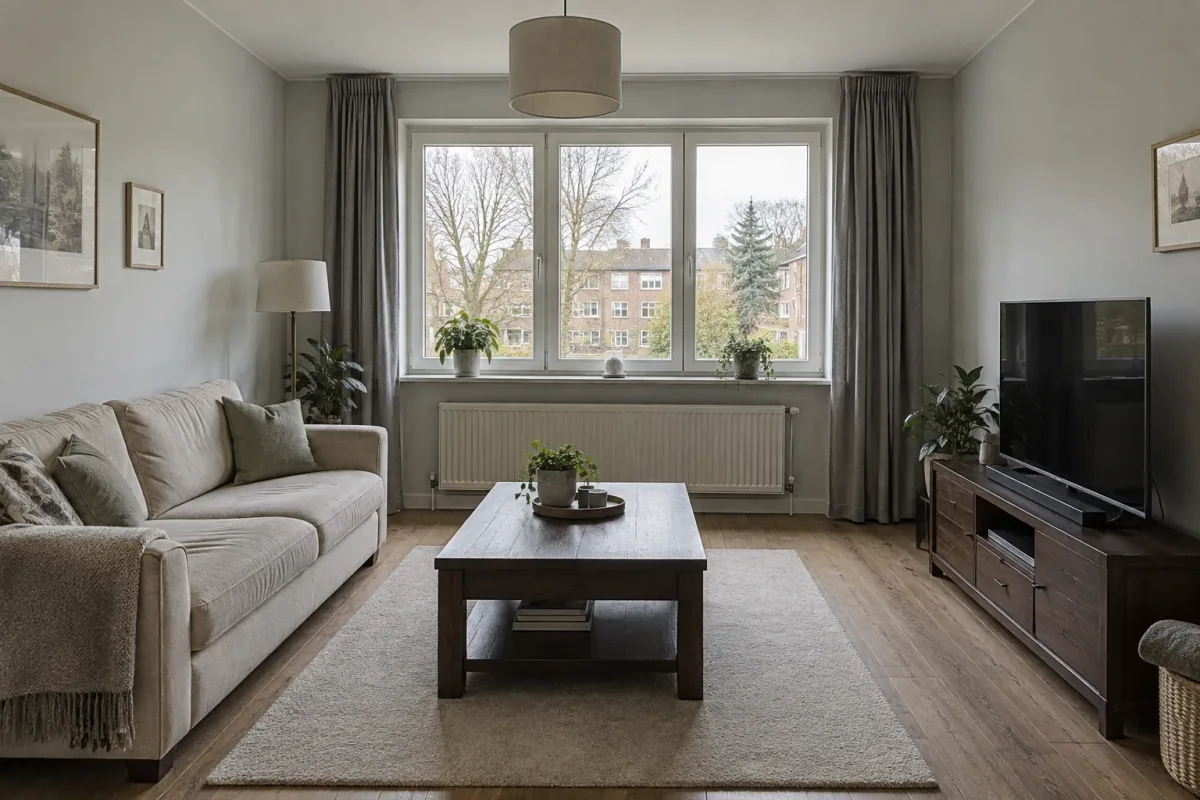
Start with a clear room photo, separate fixed features from design changes, and review each AI concept before refining it.
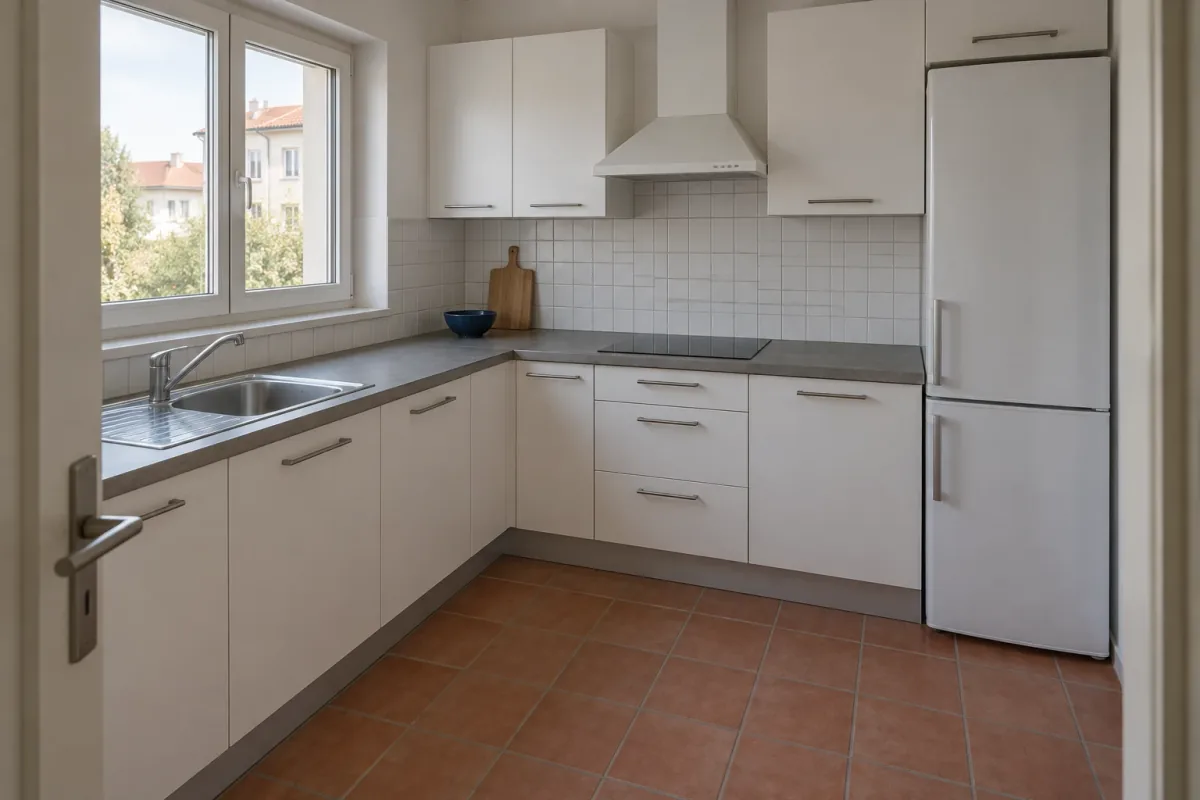
Use your kitchen photo to compare cabinet, countertop and backsplash palettes. Follow three examples, refine one finish and shortlist real samples.
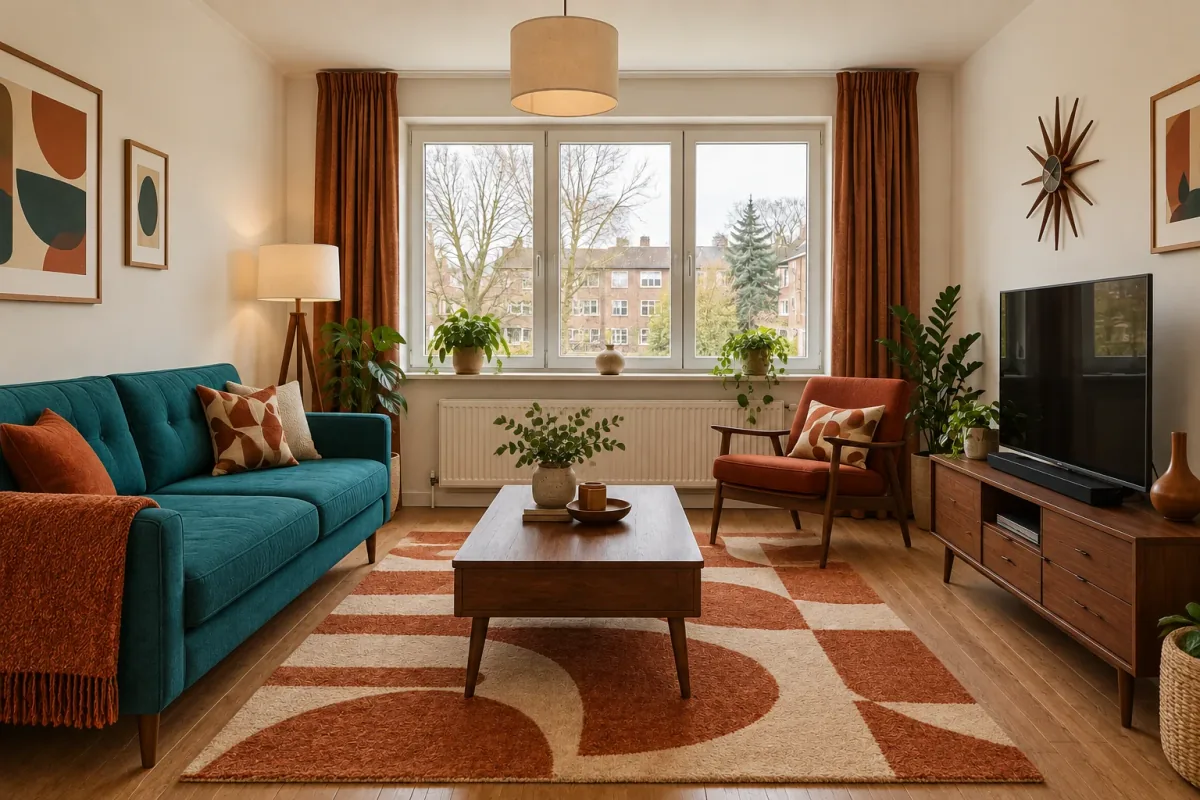
See Scandinavian, Japandi, warm minimalism, mid-century and contemporary ideas in one room, then choose the details worth testing.
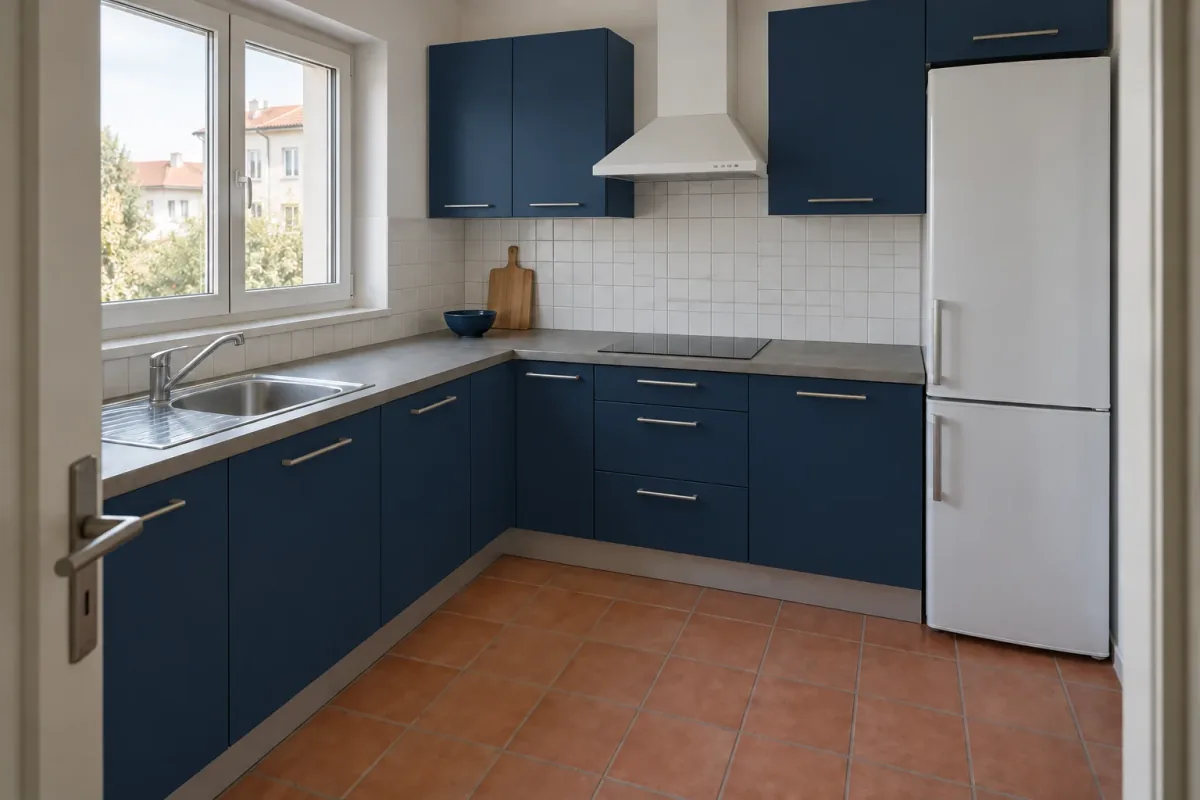
Compare warm white, sage, navy, greige, charcoal and muted blue cabinet fronts while keeping the counter, backsplash and floor in view.
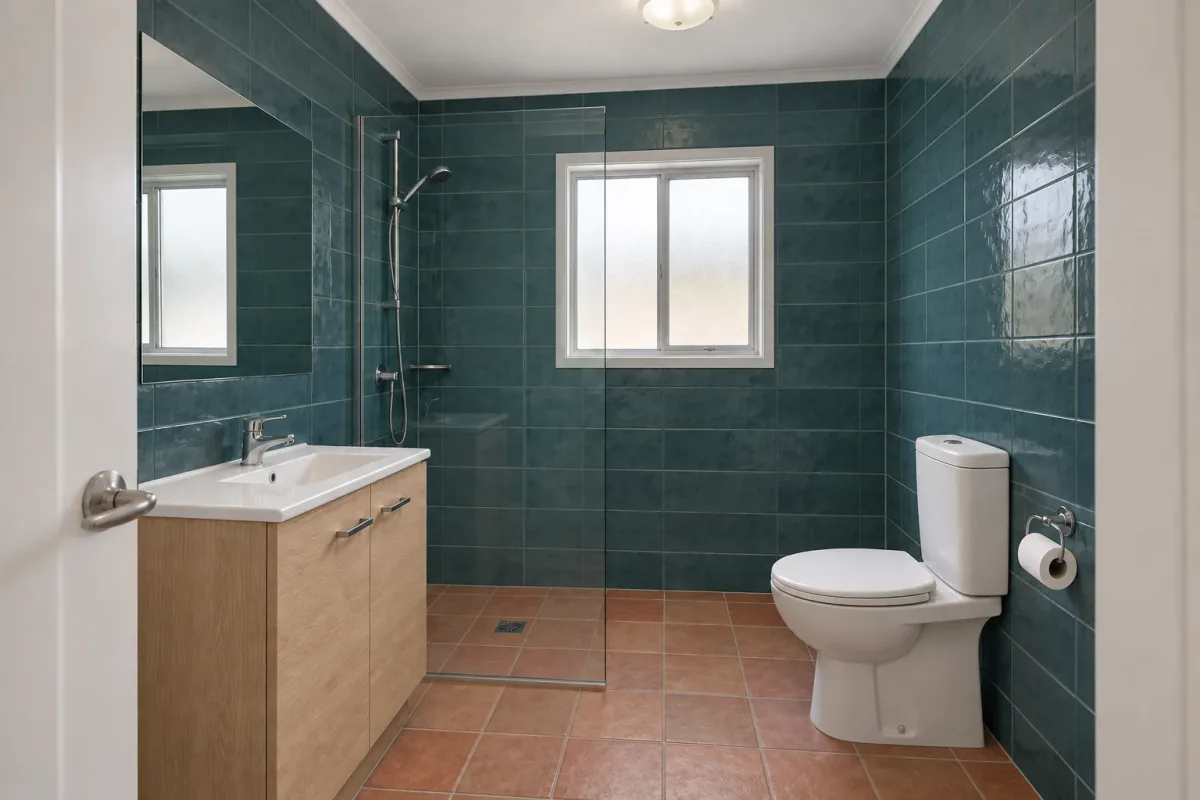
Use one bathroom photo to compare teal-and-oak and aubergine-and-walnut finishes, review the details and build a sample shortlist.
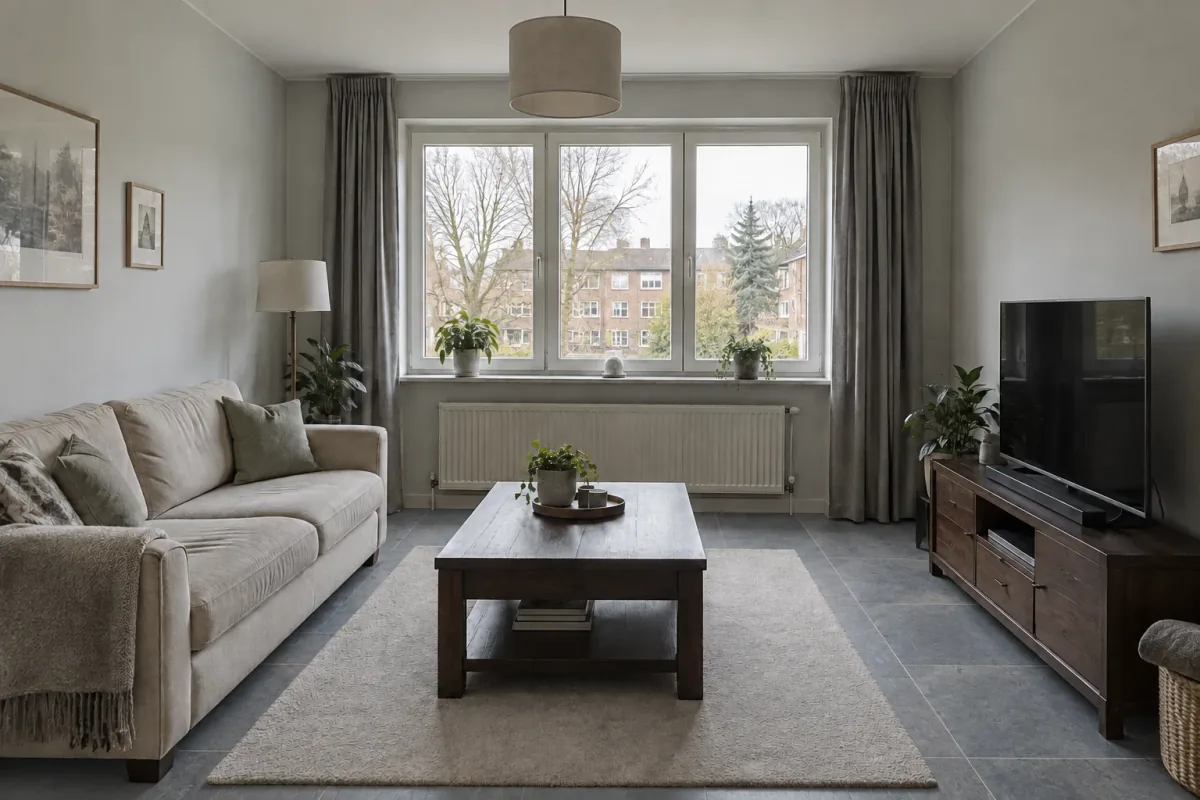
Use your room photo to compare light oak, dark wood-look vinyl and slate-look tile. Follow the flooring visualizer workflow and shortlist real samples.
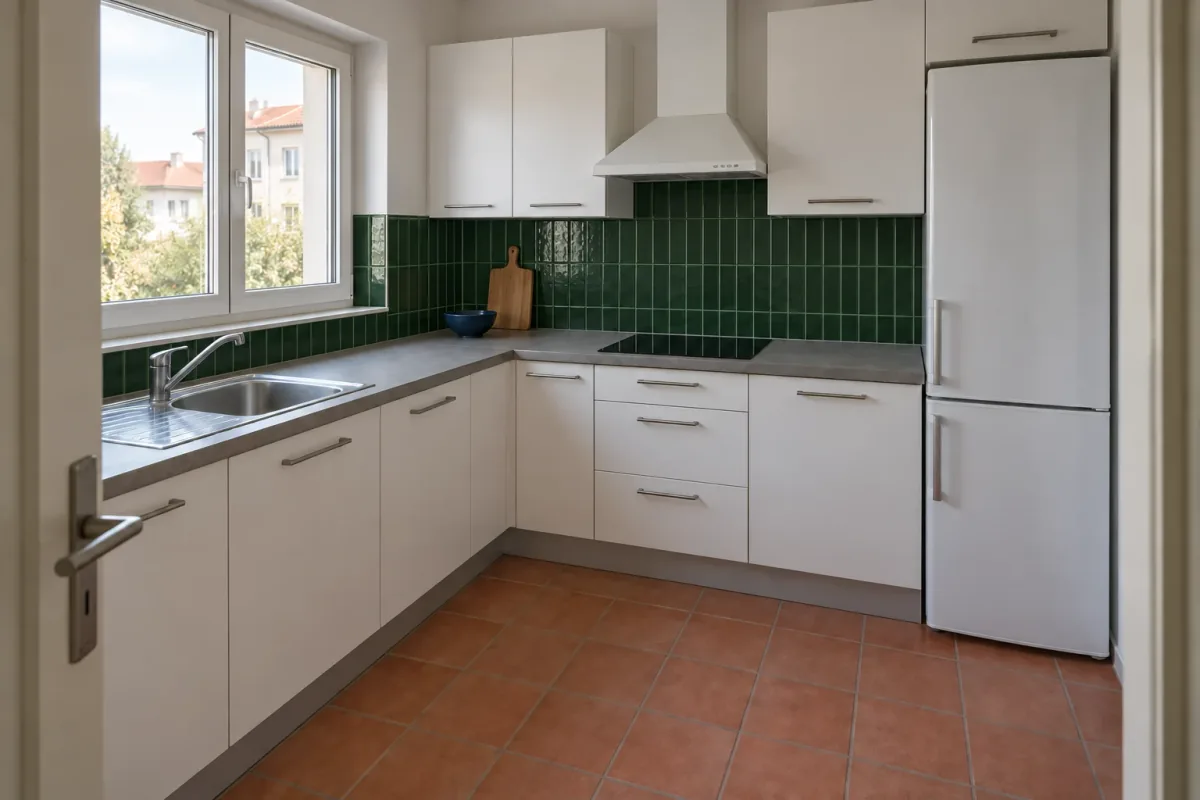
Explore blue bathroom tile with two grout directions and three kitchen backsplash options, then refine color, shape and finish.
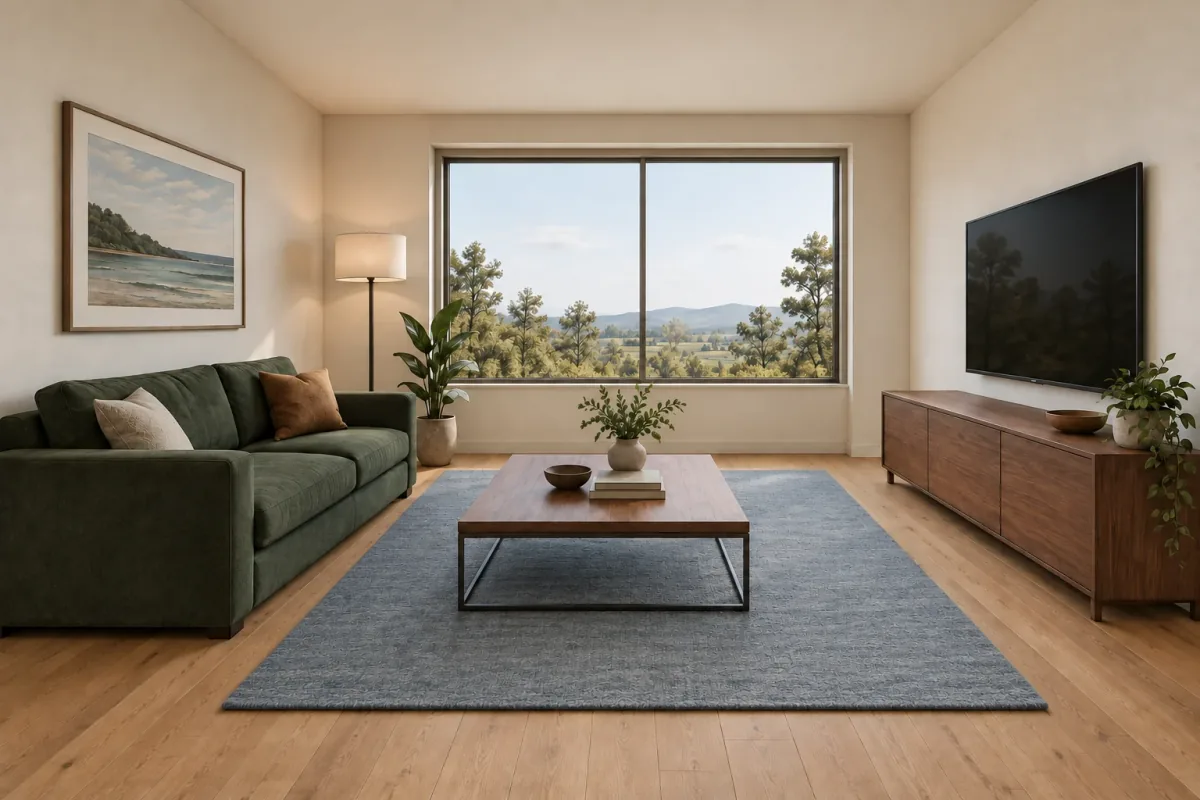
Follow a perspective sketch through a green-and-walnut concept and a focused revision, with prompts and a practical review checklist.
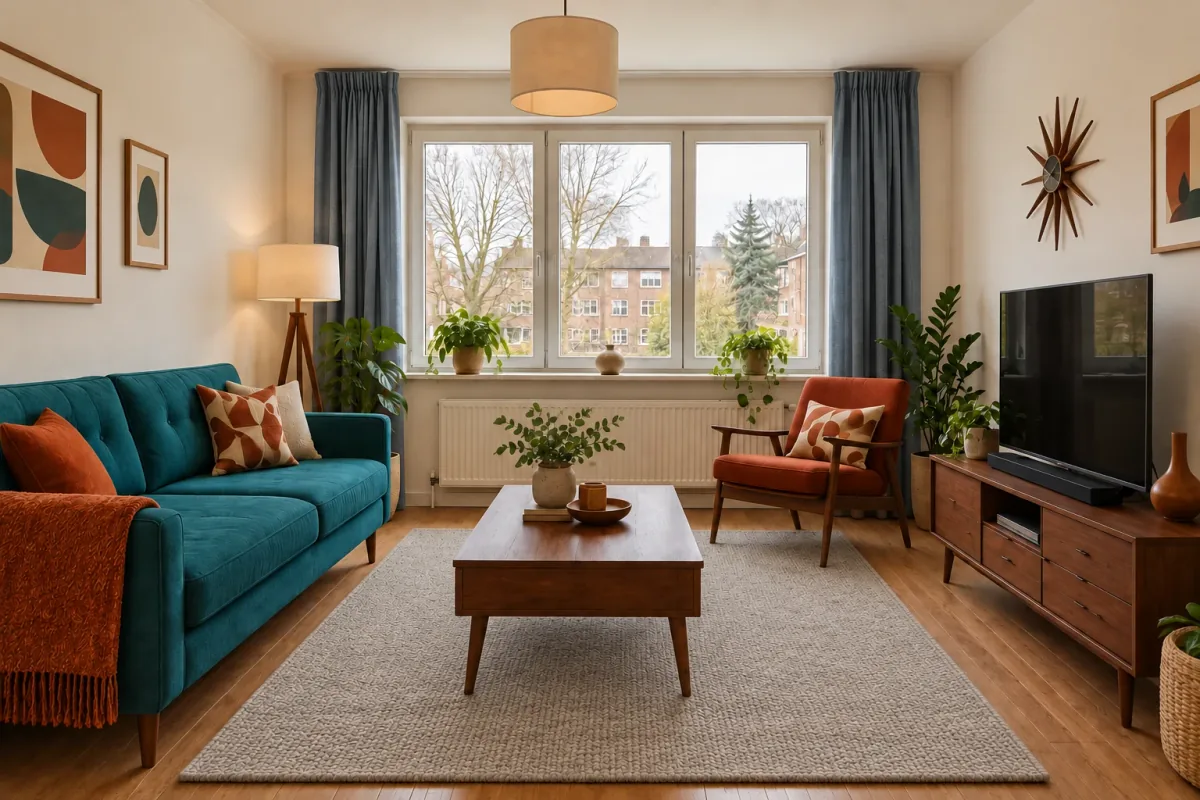
Build a focused three-concept presentation from one room, turn feedback into a revision brief and keep design decisions traceable.
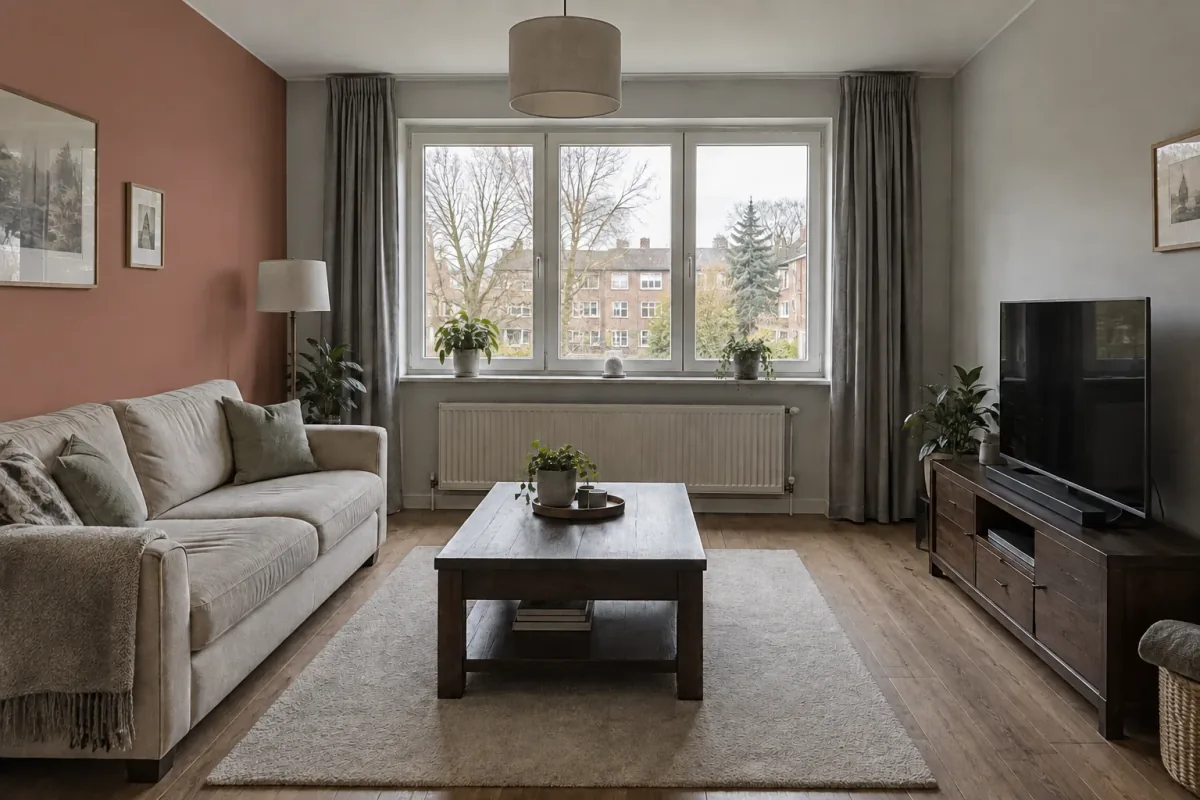
Copy 20 focused prompts for colors, materials, styles, lighting and revisions, with advice on when to use each and what to check.
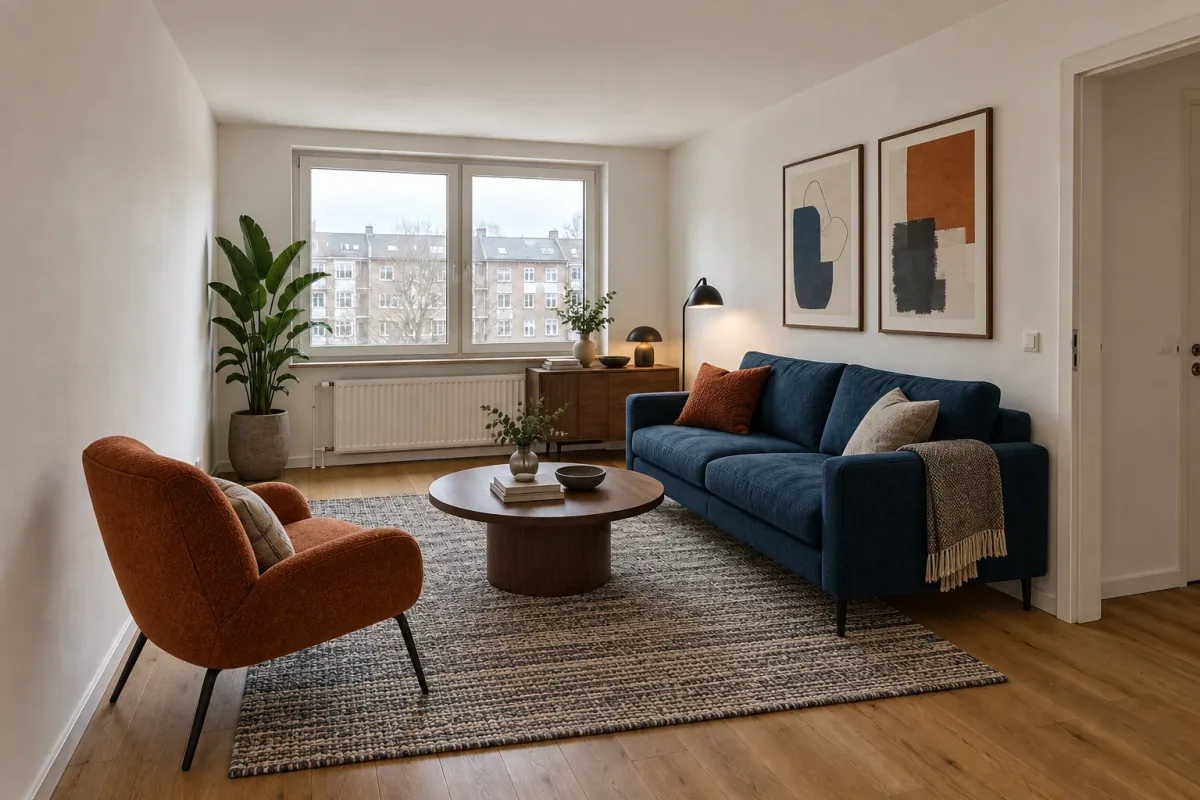
Yes—use one clear room photo to explore furniture layouts and styles, compare useful directions, then verify scale and clearance before buying.
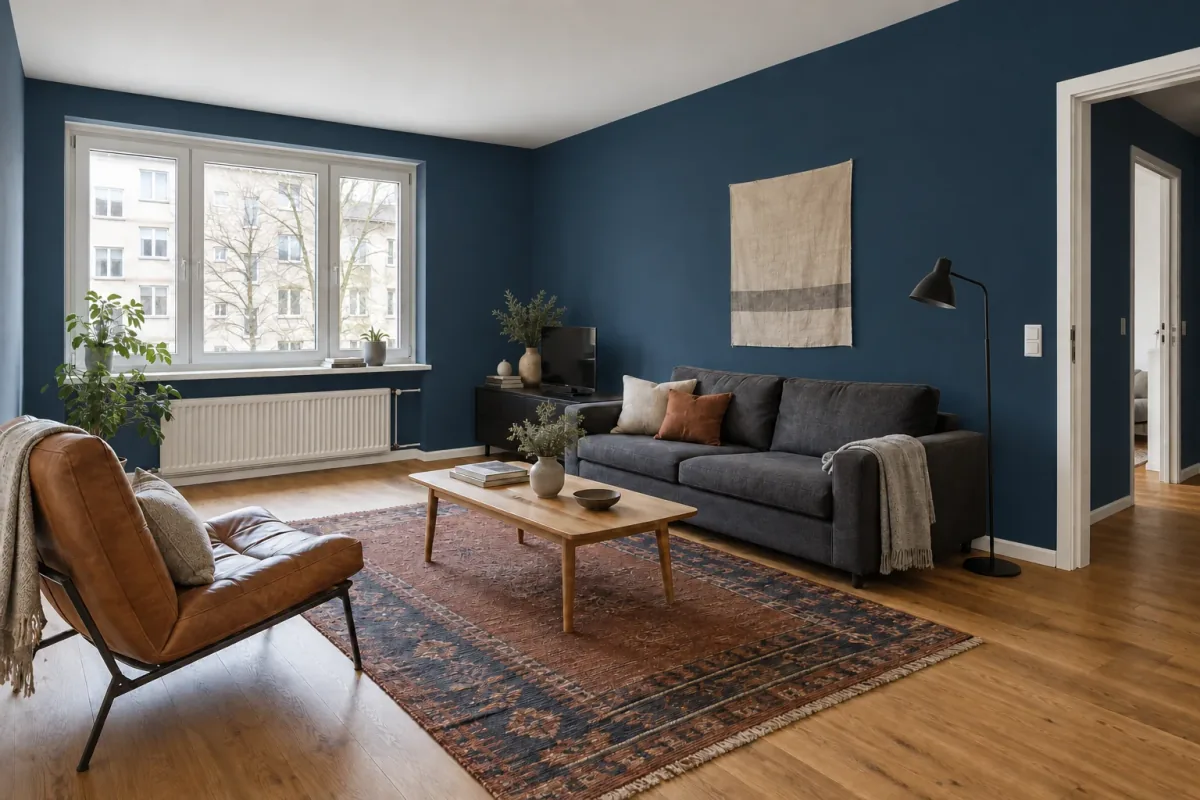
Choose the walls, describe the new paint direction and compare it in your own room—then confirm the color with a physical sample before painting.
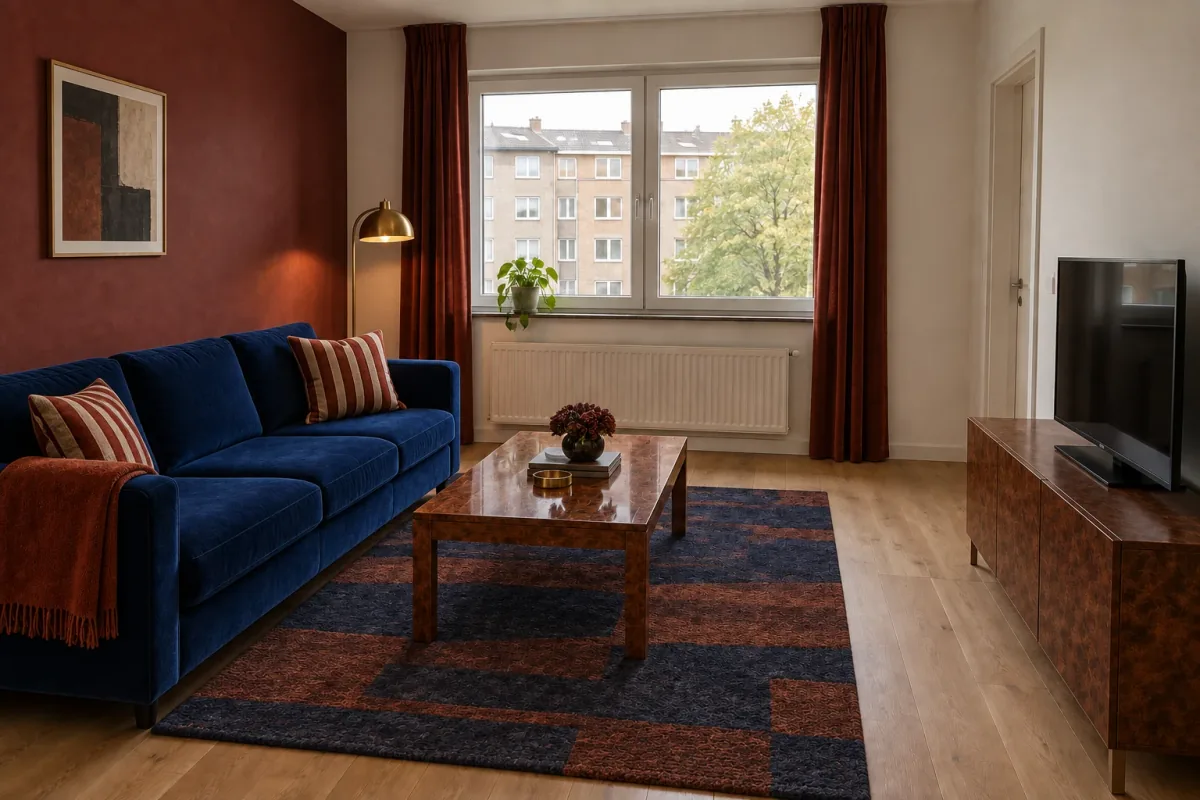
Give your room photo and inspiration image different jobs: keep your space, then borrow a clear palette, material language and mood.
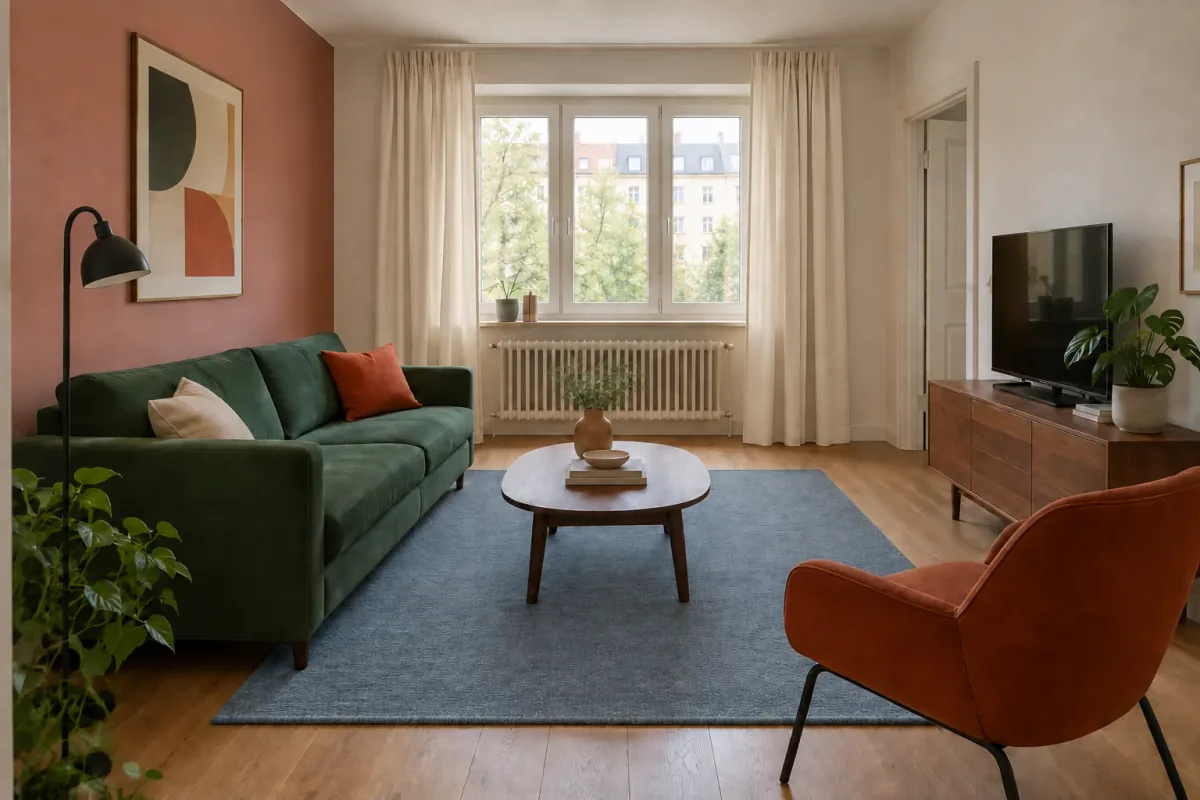
Select the right earlier result, give the next version one clear job and compare parent with child before you continue the sequence.
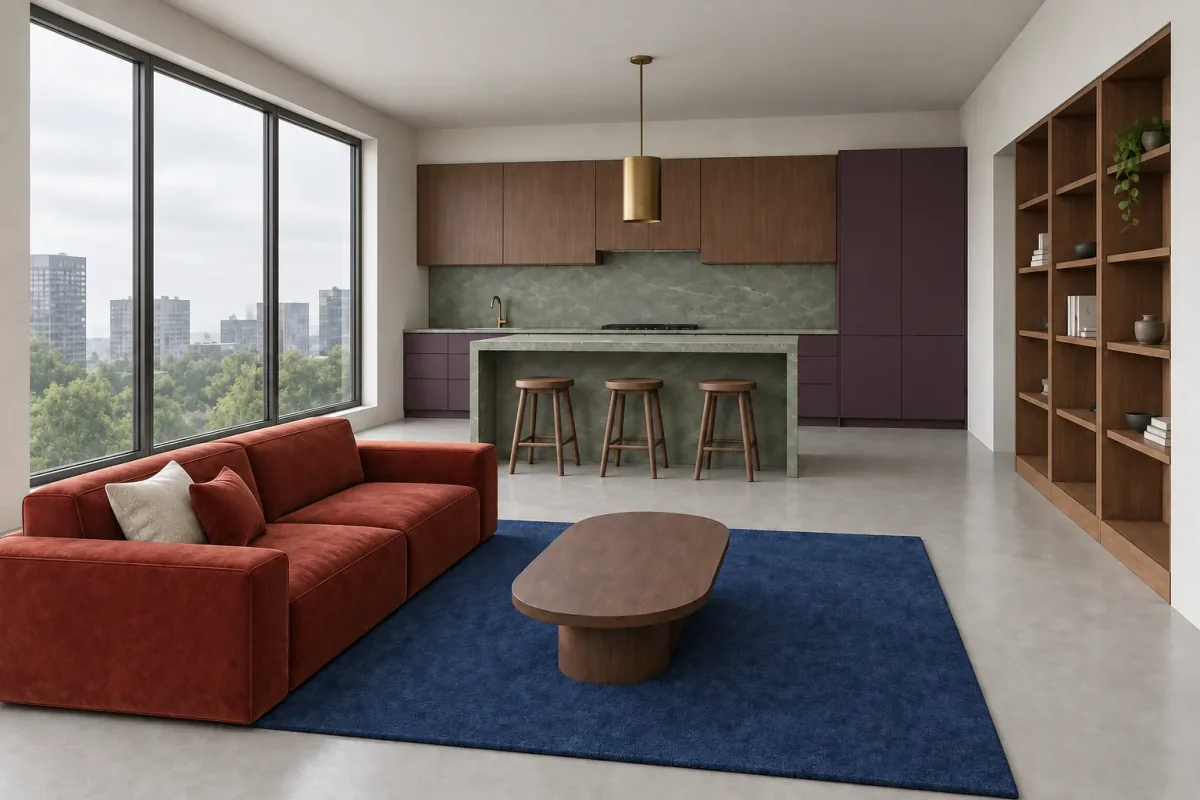
Export one readable model view, define materials and light, compare the AI concept with its geometry, then refine only a useful result.