Living room
Give the everyday room a different character.
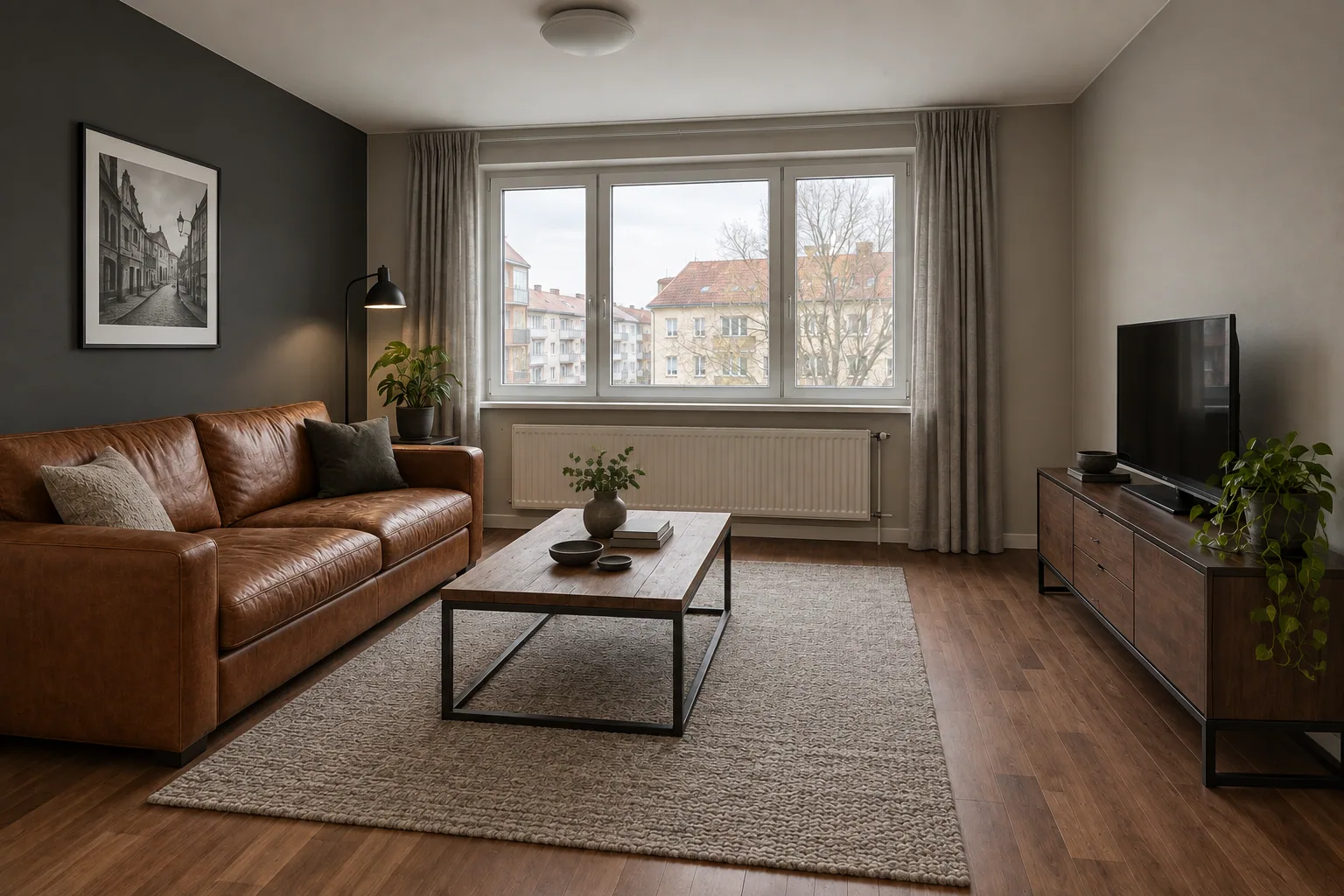
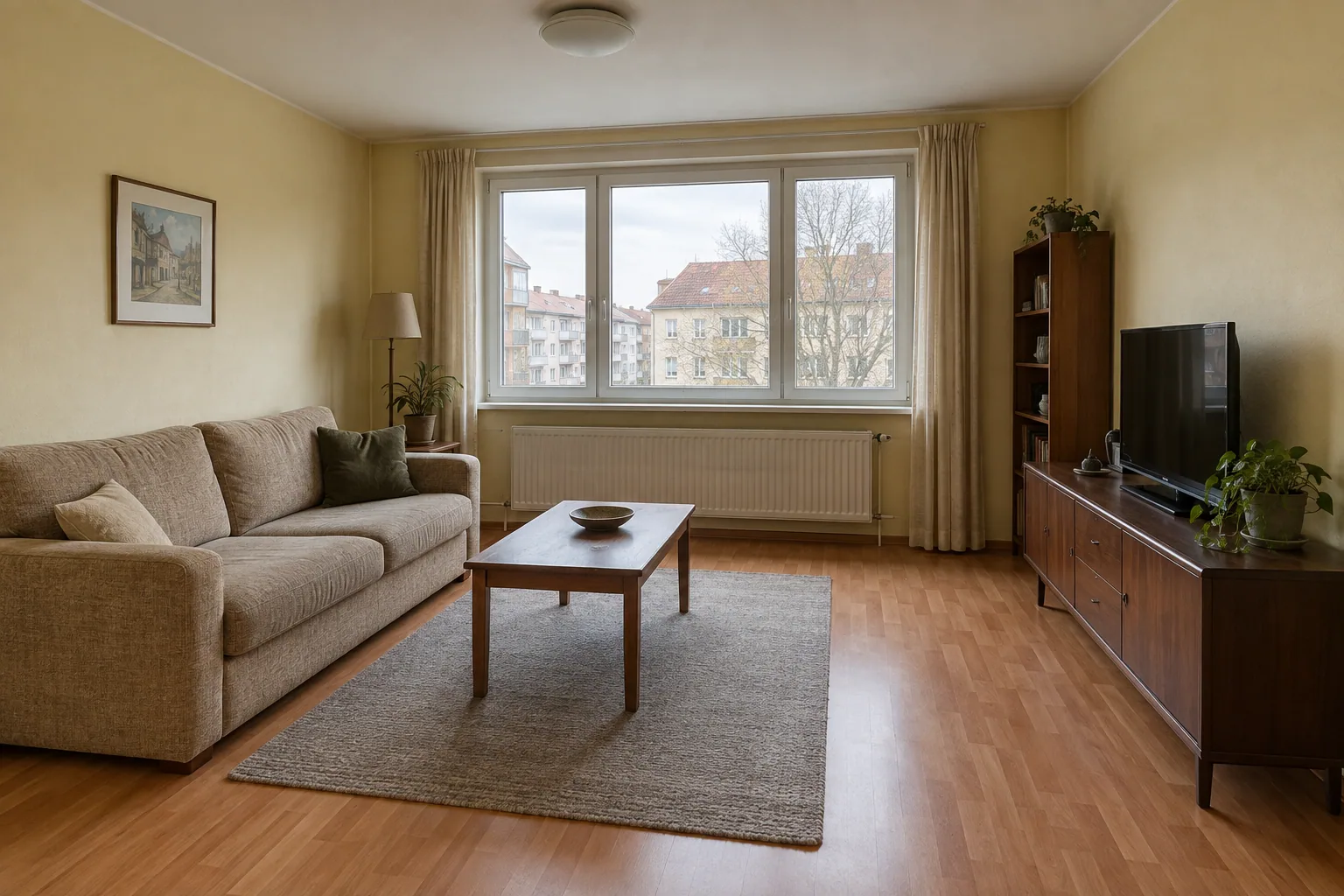
Compare the visual weight of a sofa, rug and storage together. A more industrial direction can add contrast, while the window and circulation remain useful points of reference.
Loading Vizterior…
Your room. A new perspective.
Start with a photo. Explore a different palette, new materials or a whole new mood. Then keep refining the direction that feels like you.
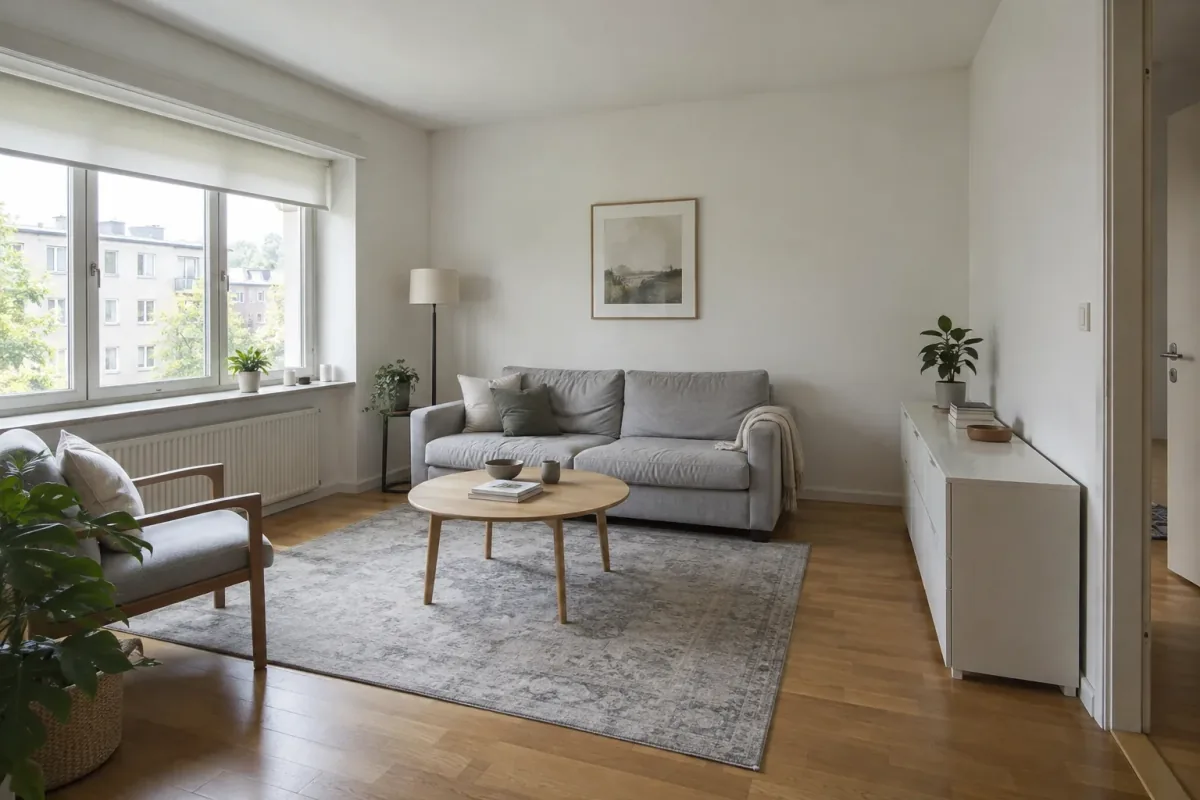 Before
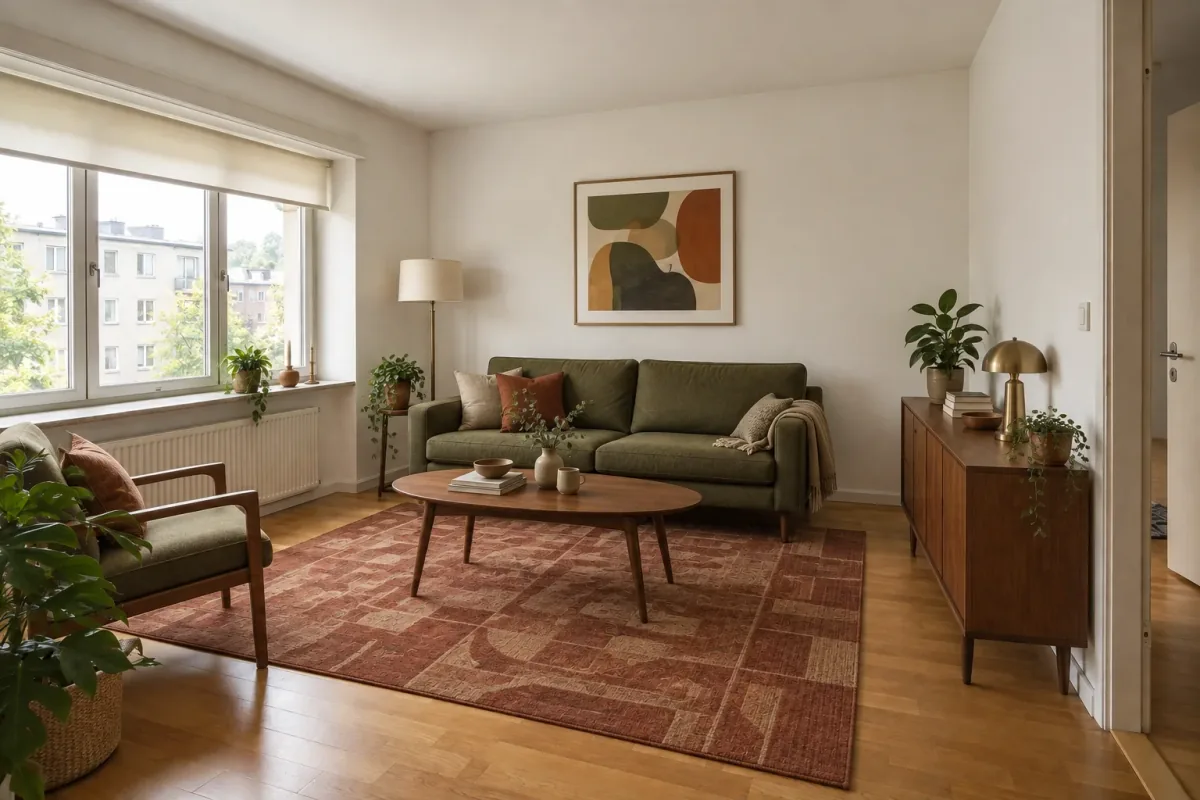 A mid-century direction
A redesign grounded in your space
It is easier to judge a new look when you can recognize the room underneath it. AI room redesign starts with your photo and uses your brief to explore furniture, colors and finishes in that setting.
You might want a more expressive living room, a quieter bedroom or a kitchen palette that works with the floor you already have. Start with that decision. Keep the original nearby and check which parts of the space carry through.
01 / Explore the possibilities
You do not need to know your perfect style before you start. Compare directions with a clearly different palette and material story, then notice which one you keep coming back to.
The starting roomMid-century directionDoes the contrast feel inviting, or more intense than you want to live with?
Judge the sofa, floor and storage together. A beautiful object can still feel wrong in the space.
Compare the window, doorway and main furniture positions against your original photo.
02 / A new look, room by room
Each room asks for something different. Explore a few examples, then bring the decision back to your own photo.
Living room
Compare the visual weight of a sofa, rug and storage together. A more industrial direction can add contrast, while the window and circulation remain useful points of reference.
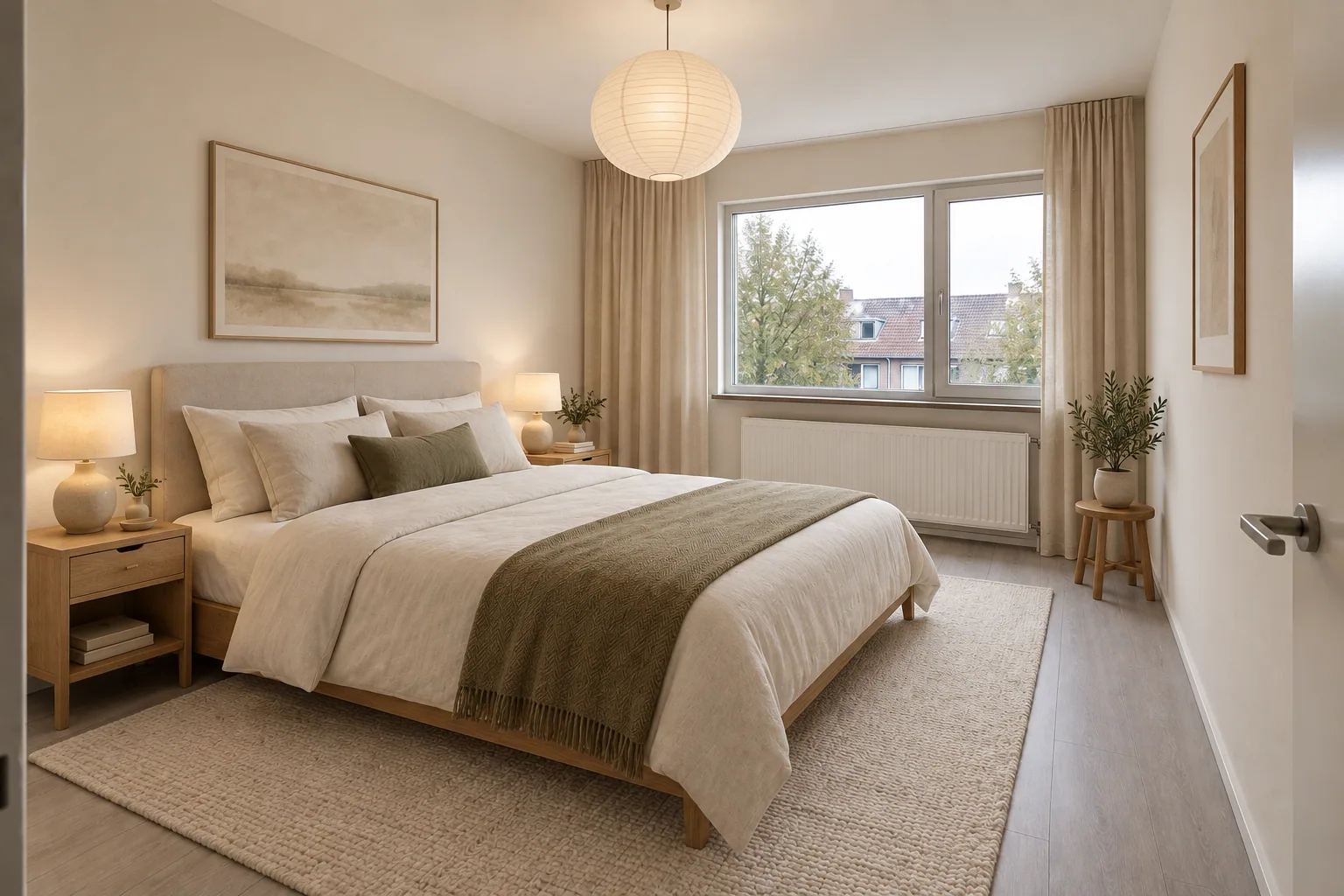
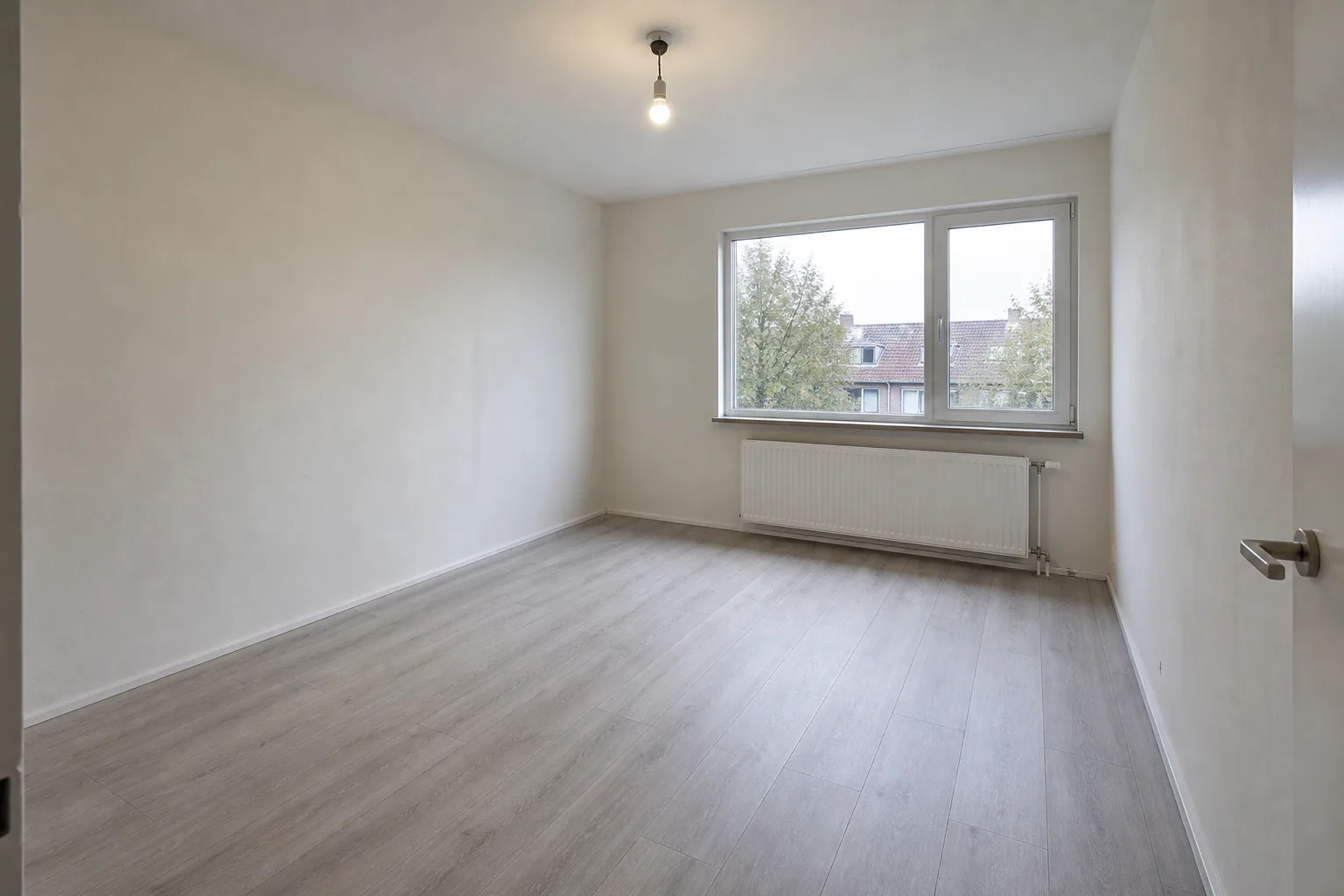
Bedroom
Start with the bed wall, storage and the space around them. Soft textiles and fewer competing finishes can suggest a calmer direction without making the room feel empty.
Kitchen
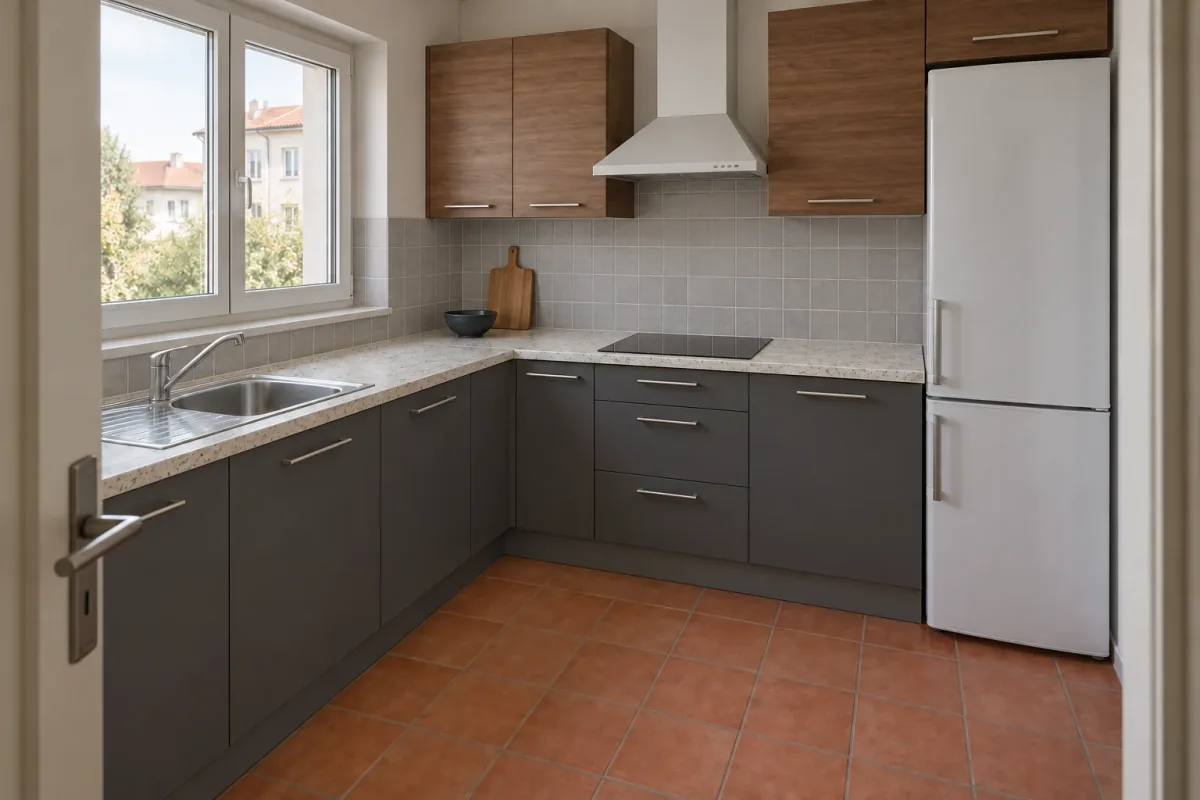
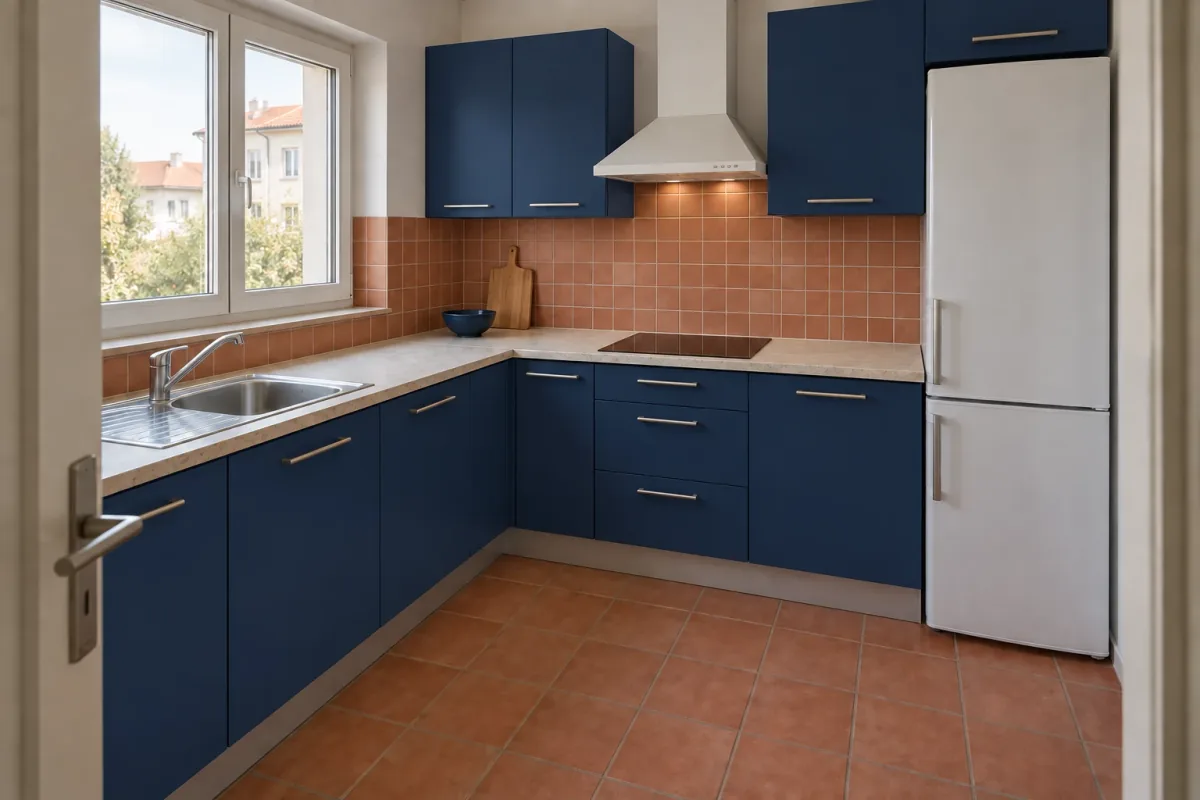
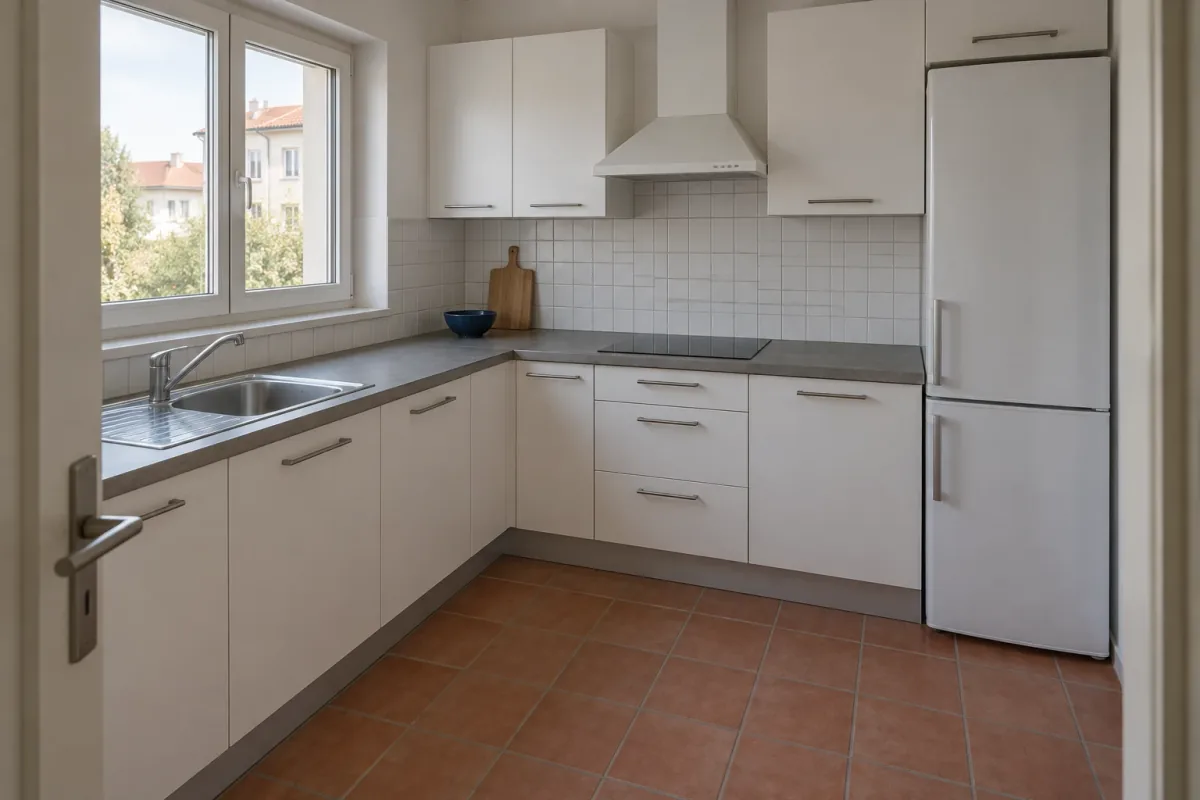
Navy fronts look different next to terracotta than beside a cool grey floor. Compare the cabinets, worktop and existing surfaces together before narrowing down physical samples.
Bathroom
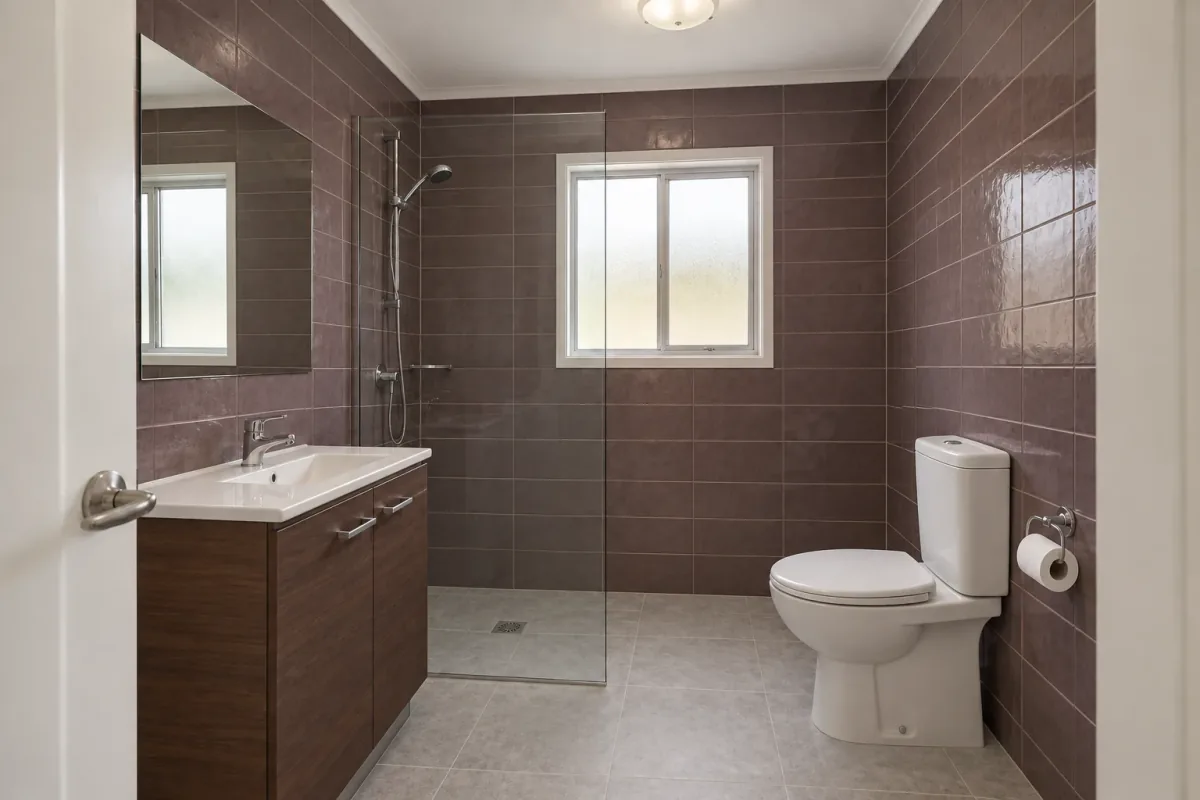
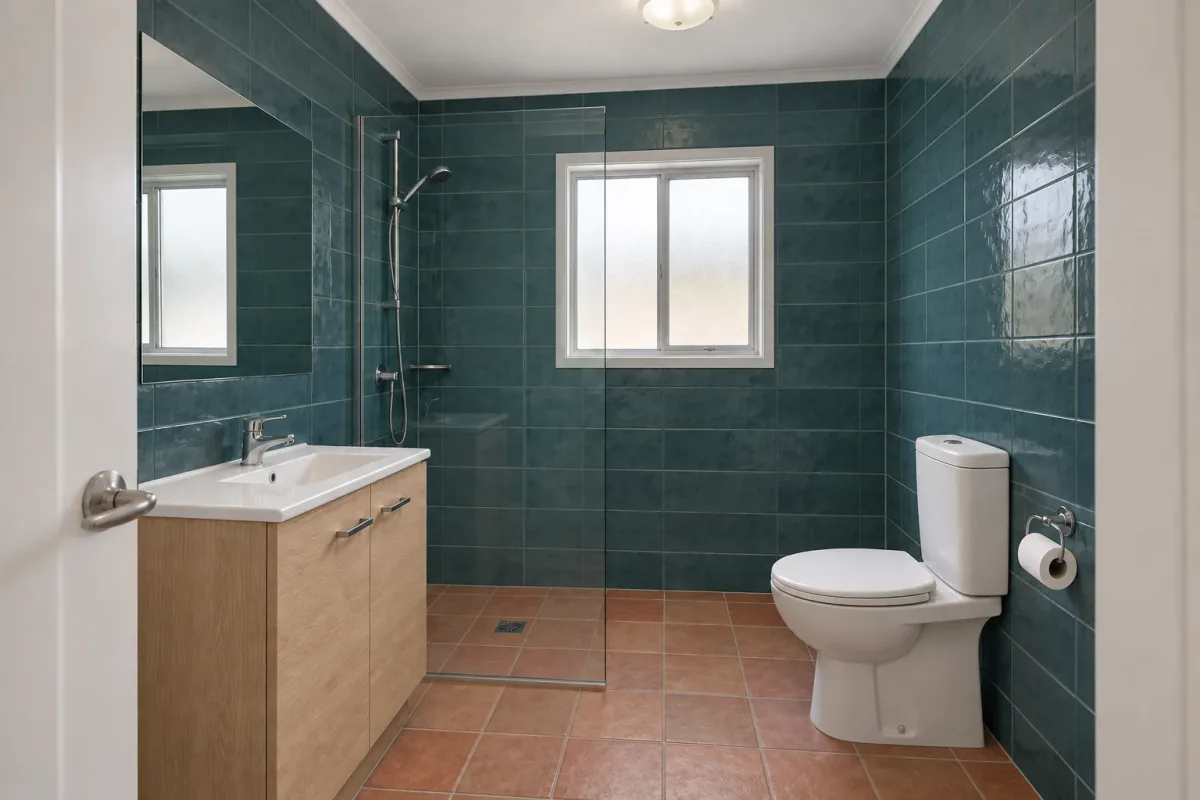
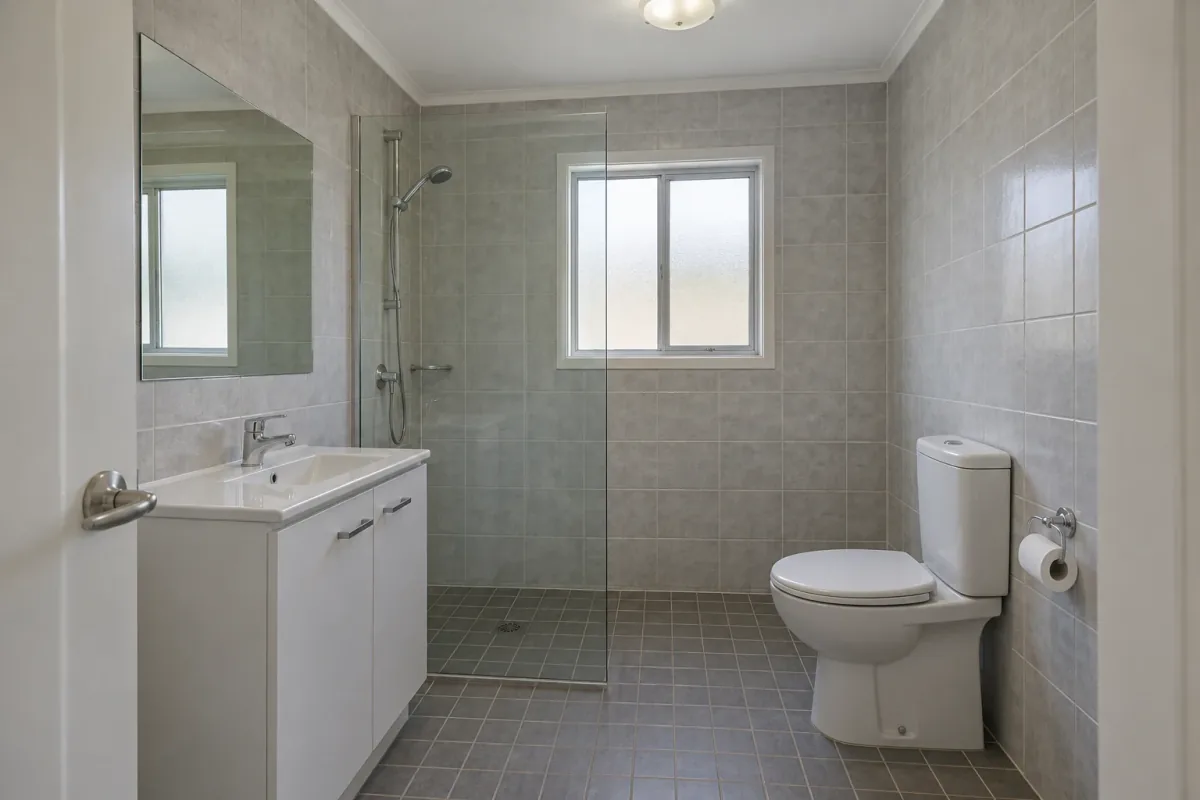
Explore the relationship between tile color, vanity finish and light. Keep the original fixtures in mind when reviewing the result, then check the practical renovation details separately.
03 / From photo to possibility
Work toward a direction, one decision at a time. A first image starts the conversation; the next one can make it more specific.
Choose Room redesign and upload a clear view of the space. Show the openings, floor and main furniture so you have a useful reference when comparing the result.
Name the mood, colors or materials you want to explore. Include the elements that matter to you, such as the existing sofa position or the open route to a doorway.
Select a successful result and continue with a focused instruction. Keep the earlier versions in your project so you can return to the direction you prefer.
Keep the useful parts specific
“Make it modern” leaves a lot open to interpretation. Naming a palette, a material and the parts of the room you want to retain gives you a clearer result to evaluate.
A brief you can adapt
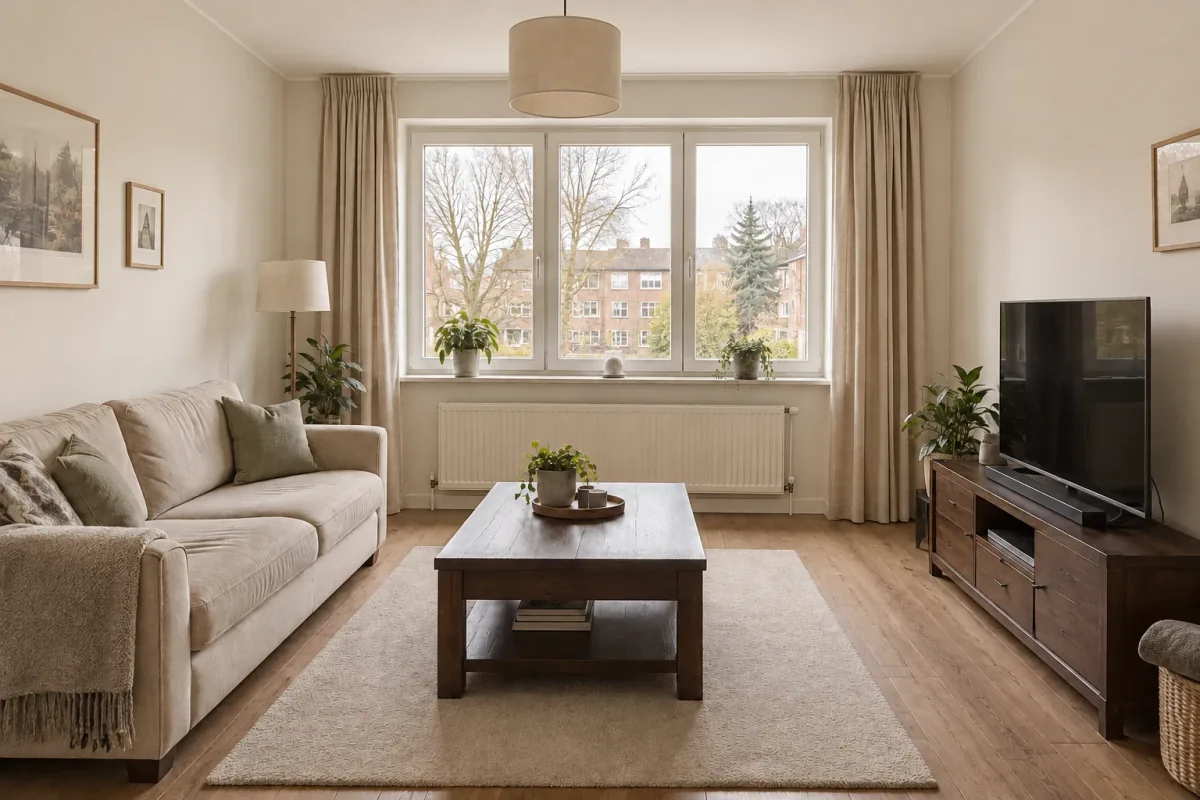
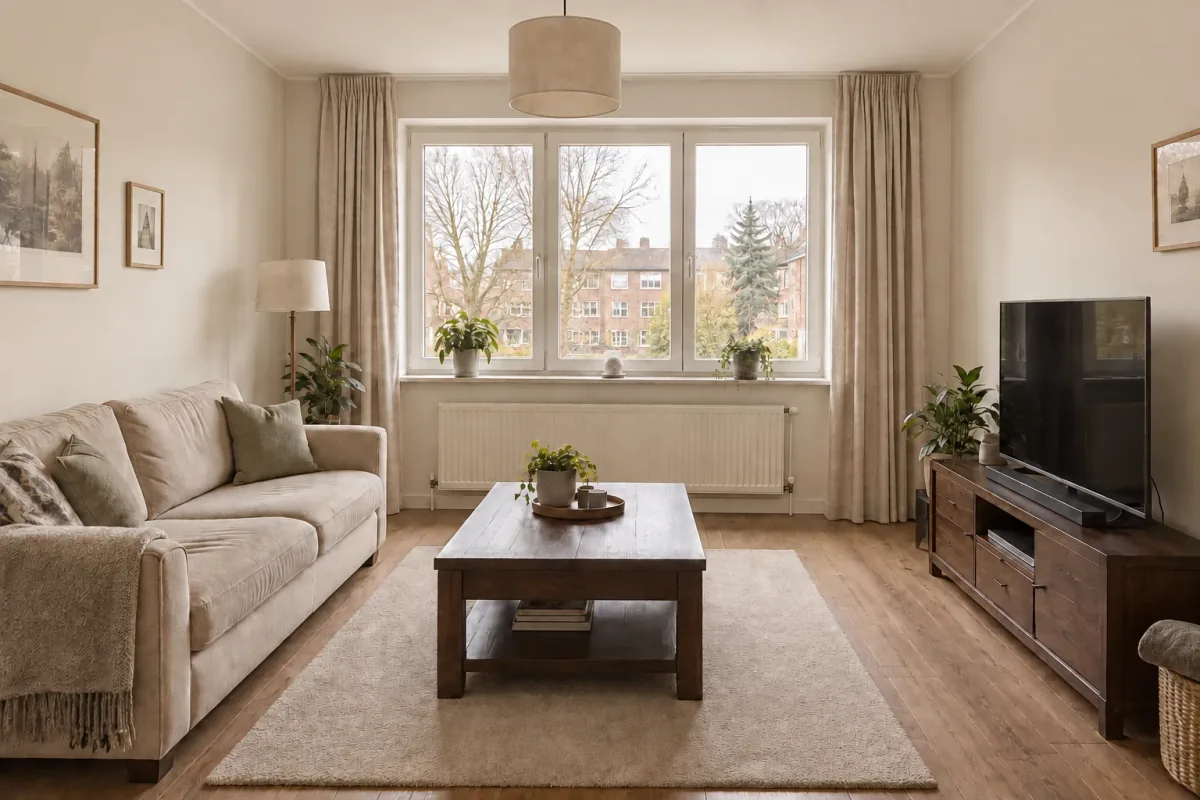
Redesign this living room in a mid-century direction with an olive sofa, walnut furniture and rust accents. Keep the window, doorway, room proportions and camera viewpoint as consistent as possible. Keep the sofa against the back wall and the main walking route open.
The next version can be more you
Sometimes the direction is right and one element feels off. Continue from that result with a focused change, such as warmer curtains, a darker rug or a quieter wall color.
“Change the curtains to a warm oatmeal tone. Keep the room and furniture as consistent as possible.”
Find a prompt for your next changeA better starting photo
A level camera and balanced light help you see what is changing. Include the main walls and some floor, avoid a tightly cropped corner, and keep the original image available as you compare directions.
Before making a physical change, check dimensions, furniture fit and material samples. A generated image helps you explore a look; it does not confirm the technical details of a renovation.
Good to know
AI room redesign uses a photo of an existing room and a written instruction to create a new visual direction. You can explore a different palette, furniture character or finish combination, then continue from a result you like. The output is an image for exploring a design, rather than an editable 3D model or a measured floor plan.
Choose a clear photo that shows the main walls, openings and floor. Balanced daylight and a level camera make the space easier to read. A wide view is useful, but an extreme wide-angle image can distort proportions. Remove private items you do not want in the upload before starting.
Tell the instruction which pieces and architectural features should remain, and name the changes you want. For example, ask to keep the sofa position while changing the wall color and rug. AI can still alter objects or proportions, so compare the result with your source photo before using it to make a decision.
You can start with a small living room, bedroom, kitchen or bathroom. Show as much of the usable space as possible and describe what matters, such as an open route to a door. A visually convincing result does not confirm that new furniture fits: check dimensions separately.
Yes. Use the same source photo to explore distinct directions, then compare the results. Change the style and material brief while keeping the important room constraints consistent. If you have a specific inspiration image, the Match a style workflow lets you add a separate style reference.
Select a successful result as the starting point for a follow-up generation and describe the change. A focused instruction, such as changing the rug color while retaining the furniture, is easier to assess than several unrelated requests. Each new result should still be checked for changes beyond your instruction.
Use the image to choose a direction and discuss it with a designer, contractor or household member. Then check furniture dimensions, material samples, lighting and installation details. Colors and textures in a generated image are visual suggestions, not an exact product specification.
A little guidance goes a long way
Start with the space you know
Bring one photo and one idea. See where they take you.
Redesign your room