We use analytics cookies to understand traffic and improve Vizterior. They load only if you accept—declining won't limit the site in any way. See our Privacy Policy.
A folder full of images can tell you what the room looked like, but not which question each version was meant to answer. A project keeps the written instruction beside its result. That context helps when you return after a break or compare several similar concepts.
Name a project after the room or design question you are exploring. ‘Kitchen — darker fronts’ is easier to recognize later than a collection of unrelated attempts. Keep separate spaces in separate projects when their source photos and briefs are different.
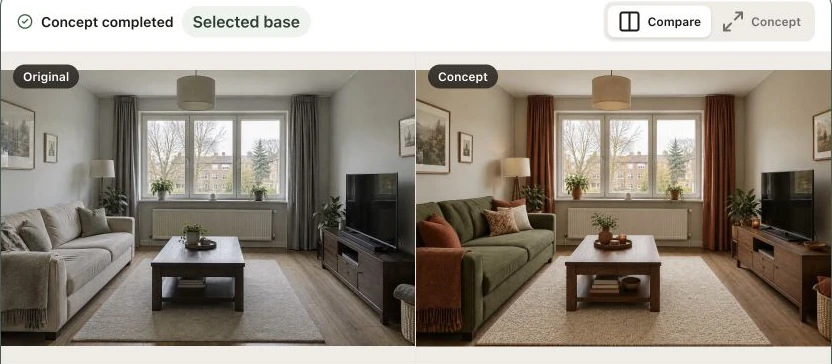
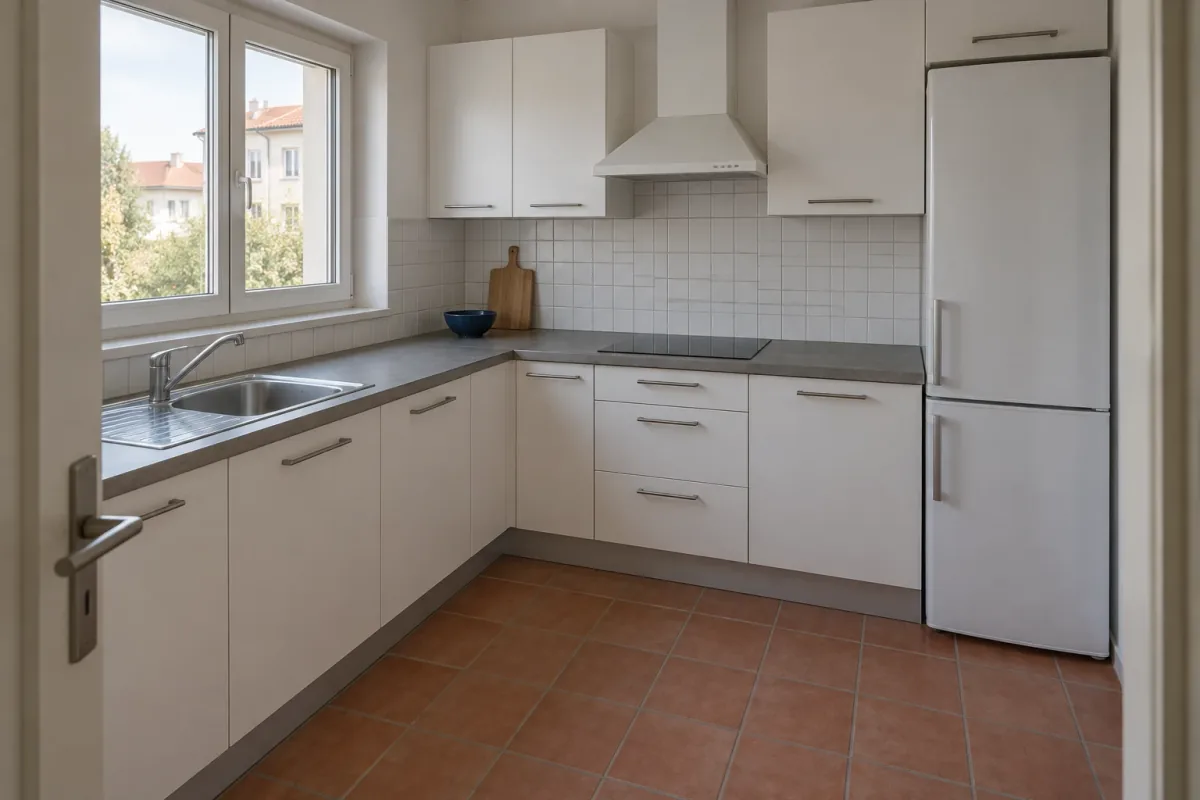
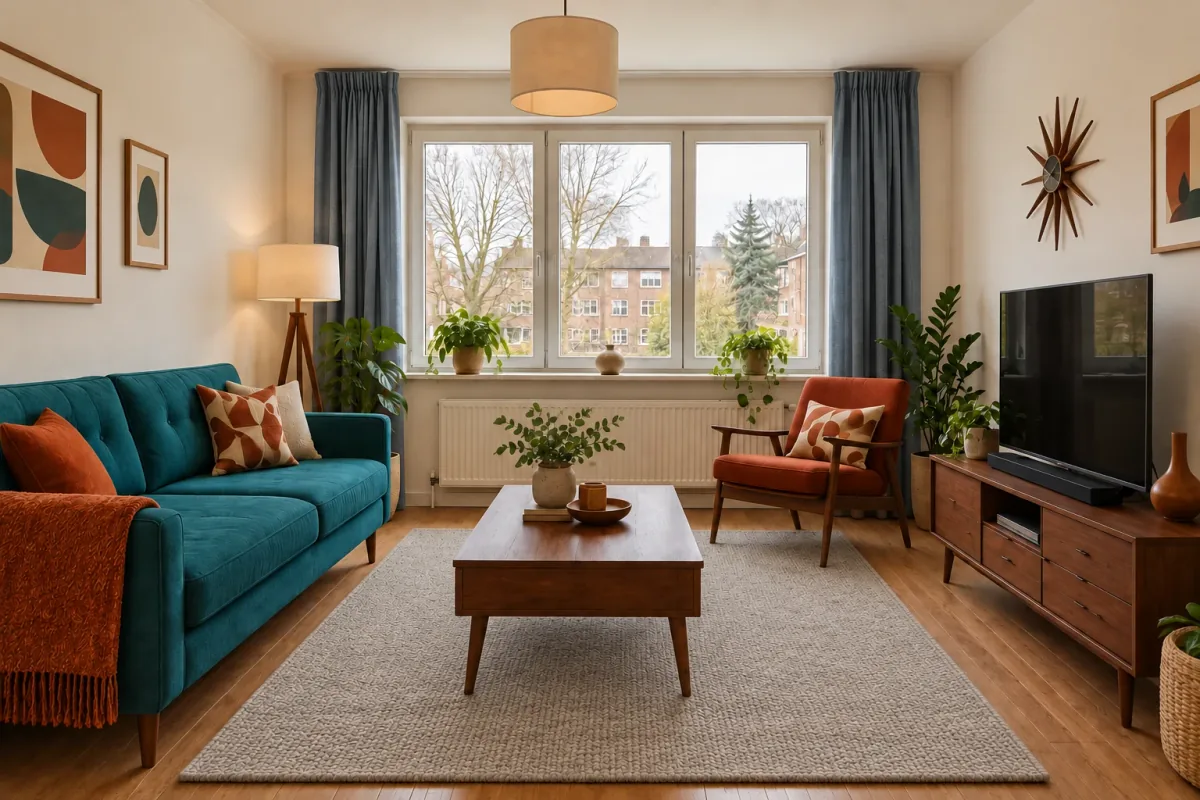
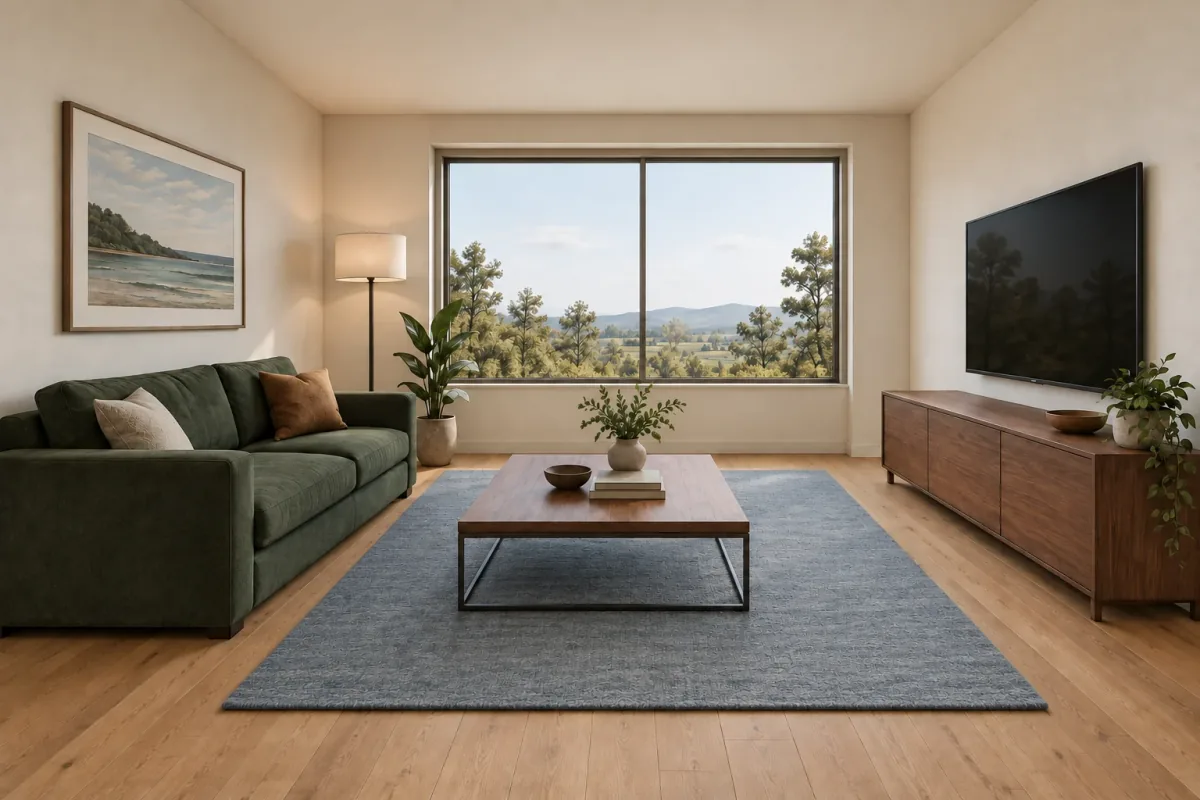
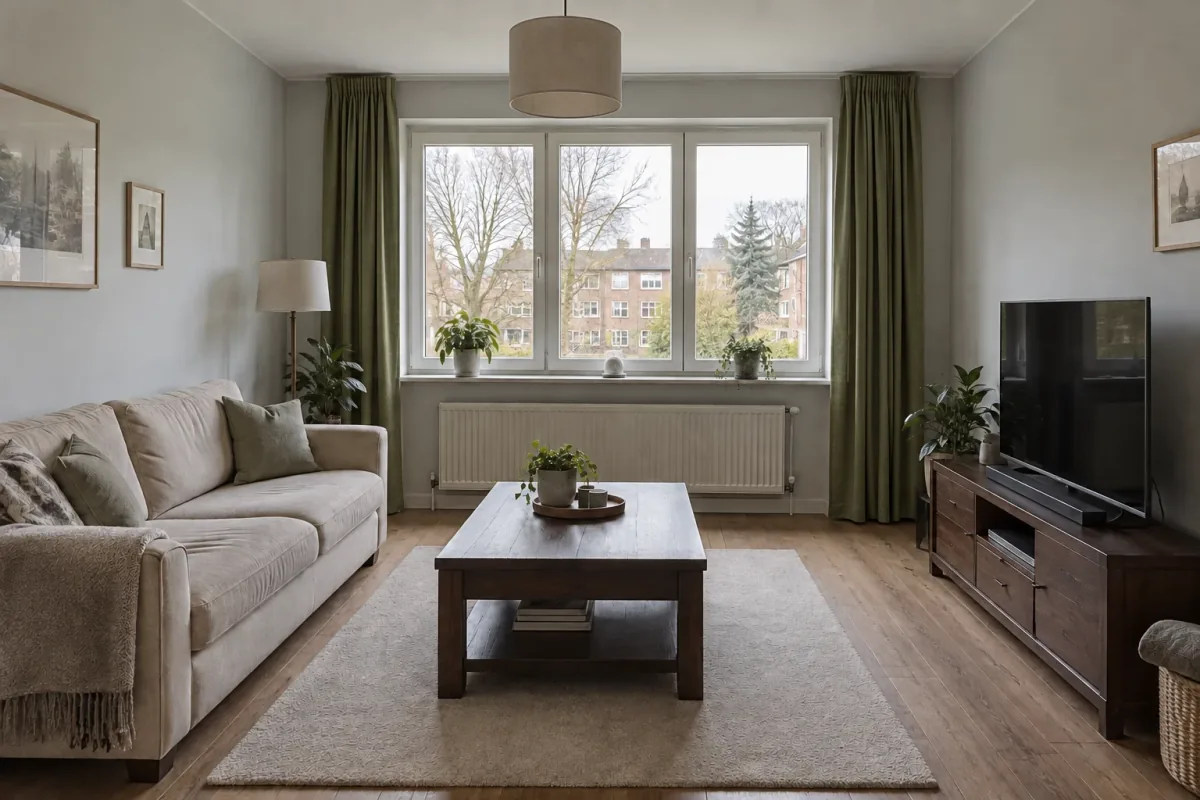
The room you started withThe direction you want to discuss
02 / A version is a decision, not a dead end
Return to the option that still feels right.
Newer does not always mean better. Use the project history and recent renders to revisit a successful result, inspect it and decide whether to keep developing it. The next instruction can start from the version you choose rather than simply following the most recent experiment.
Give each follow-up one practical goal. If the timber works but the room feels too dark, focus the next instruction on light or contrast. Keeping that sequence in one project makes it easier to understand what changed and where a direction began.
Start with a clear source image and a brief that describes the decision you want to explore. Review the first result against that source. Choose one useful aspect to carry forward and one element to adjust; this gives the next generation a manageable scope.
When you have several options, compare the same features across them: palette, material balance, openings and the main furniture positions. Keep the earlier result if it is a better representation of the room, even if another version has a more attractive detail.
Give the project a recognizable name.
Keep the source image available while comparing.
Select the intended base before a follow-up.
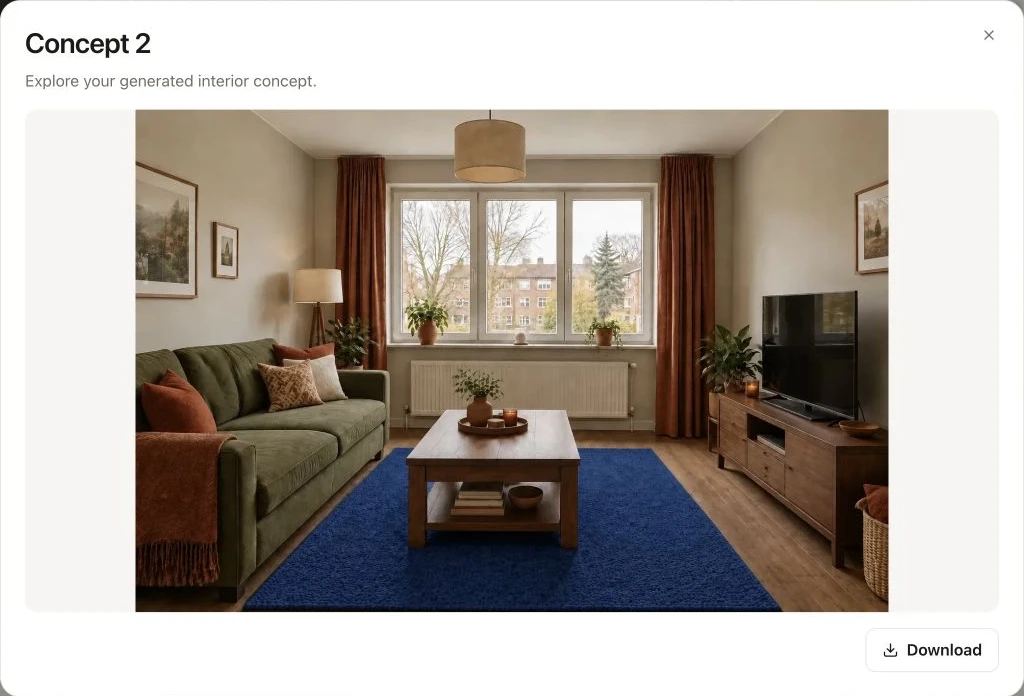
Download the result you choose for the next conversation.
04 / Take the selected idea further
Bring a concrete image to the conversation.
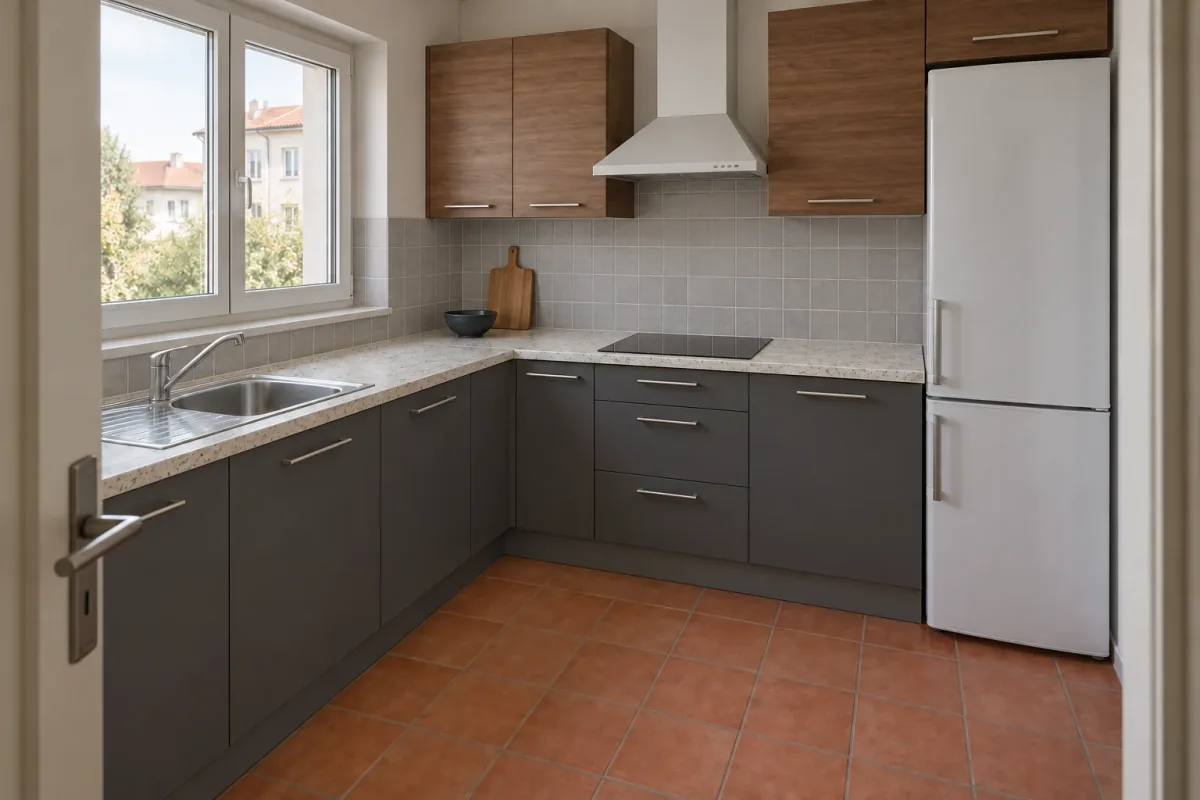
Download a chosen result when you are ready to discuss it outside the workspace. Pair it with a short note about what it explores: perhaps a darker cabinet palette, warmer timber or a different floor. This helps a collaborator respond to a specific decision.
Keep the concept separate from the final specification. A useful image can guide the discussion, while dimensions, product choices and construction details remain part of the appropriate design process. The workspace organizes visual development; it is not a substitute for a technical project file.
A focused material directionA refined sketch-based concept
Choose the right starting context
Different inputs. The same place to keep developing.
Create a Room redesign project for an existing room photo, Match a style when a separate inspiration image should guide the result, or Sketch / model view for a drawing or exported view. The choice helps establish what the input image is meant to do.
You can rename a project as the brief becomes clearer and return to it from the project list. Review a useful result before adding another instruction, rather than creating unnecessary versions just to keep the conversation moving.
Room photo → explore a new design direction.
Room and reference → translate a visual mood.
Sketch or view image → explore materials and light.
Good to know
A few questions before you start.
What does a project keep together?+
The project brings its source images, instructions and generation history into one working context. Use the thread and recent results to review your design direction and choose a base for the next generation.
Can I rename a project?+
Yes. Use the project actions to give it a more recognizable name. Naming projects after the room or design decision makes them easier to find later.
Can I continue from an older result?+
You can select a successful earlier result as the base for a follow-up. Check which image is selected before generating the next version.
Can I download a result?+
The result view includes a Download action. Use the downloaded image in your design conversation and keep the original project for further revisions.
Is this a shared team or client portal?+
The workspace shown here is for organizing your projects and results. It does not imply live co-editing, client approvals or a shared project portal. Download the image you want to discuss using your usual collaboration tools.
Does it store an editable 3D model?+
The visual workflows use images, including images exported from a model view. A generated concept is not an editable CAD or BIM model. Keep those source files in the appropriate design software.